


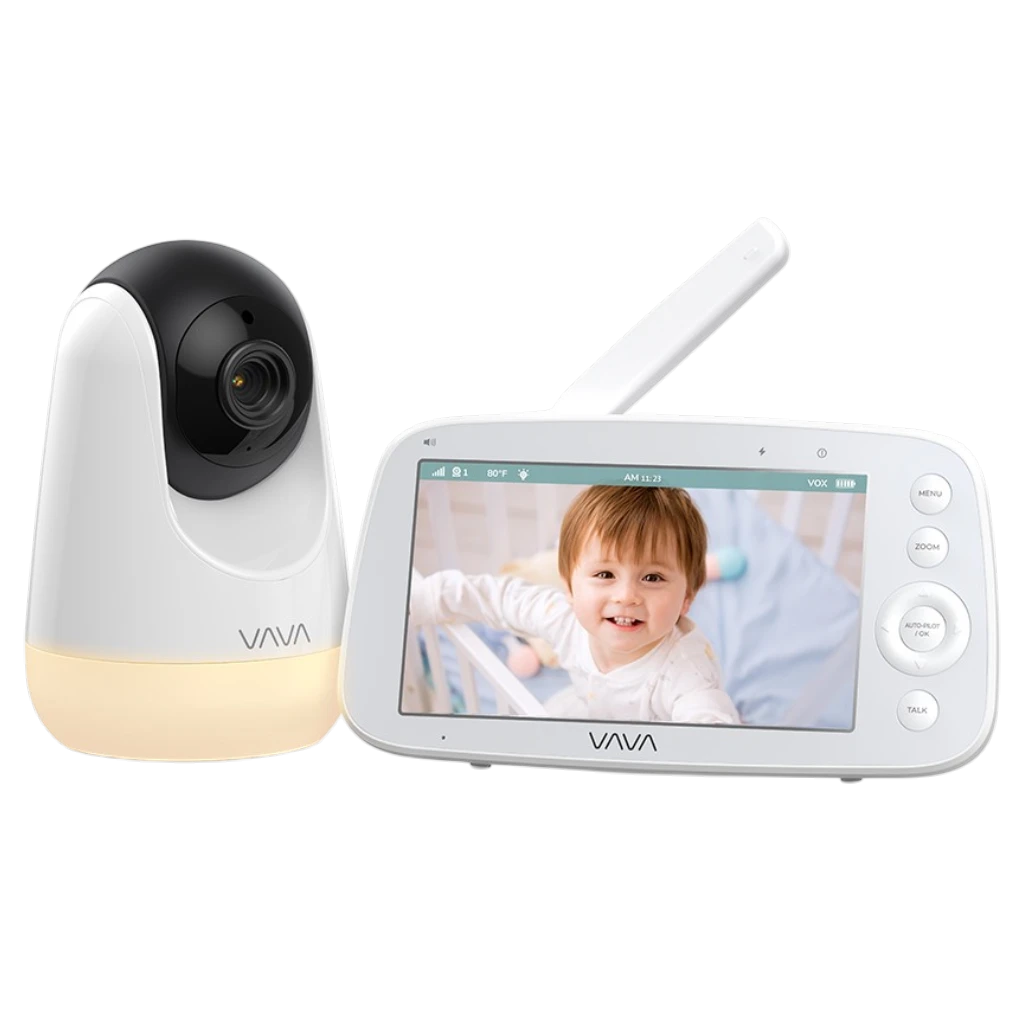
VAVA 720P Video Baby Monitor PRO
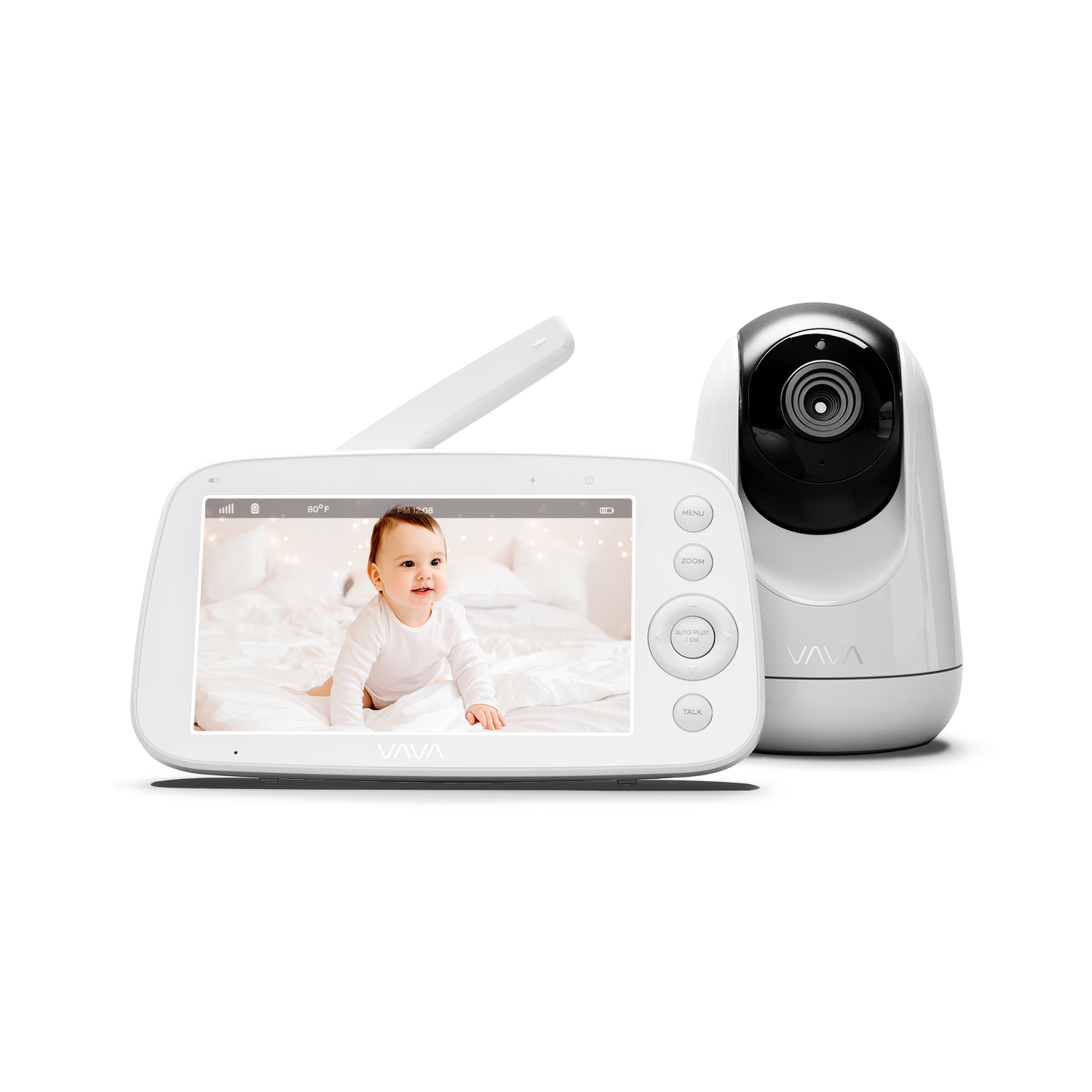
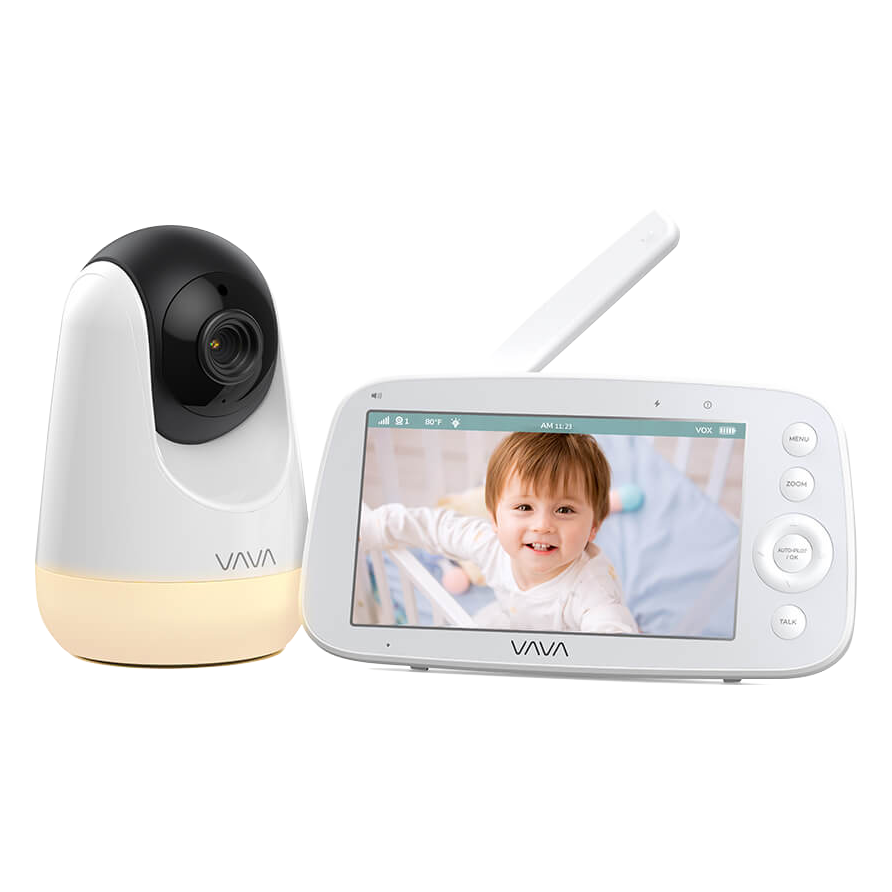
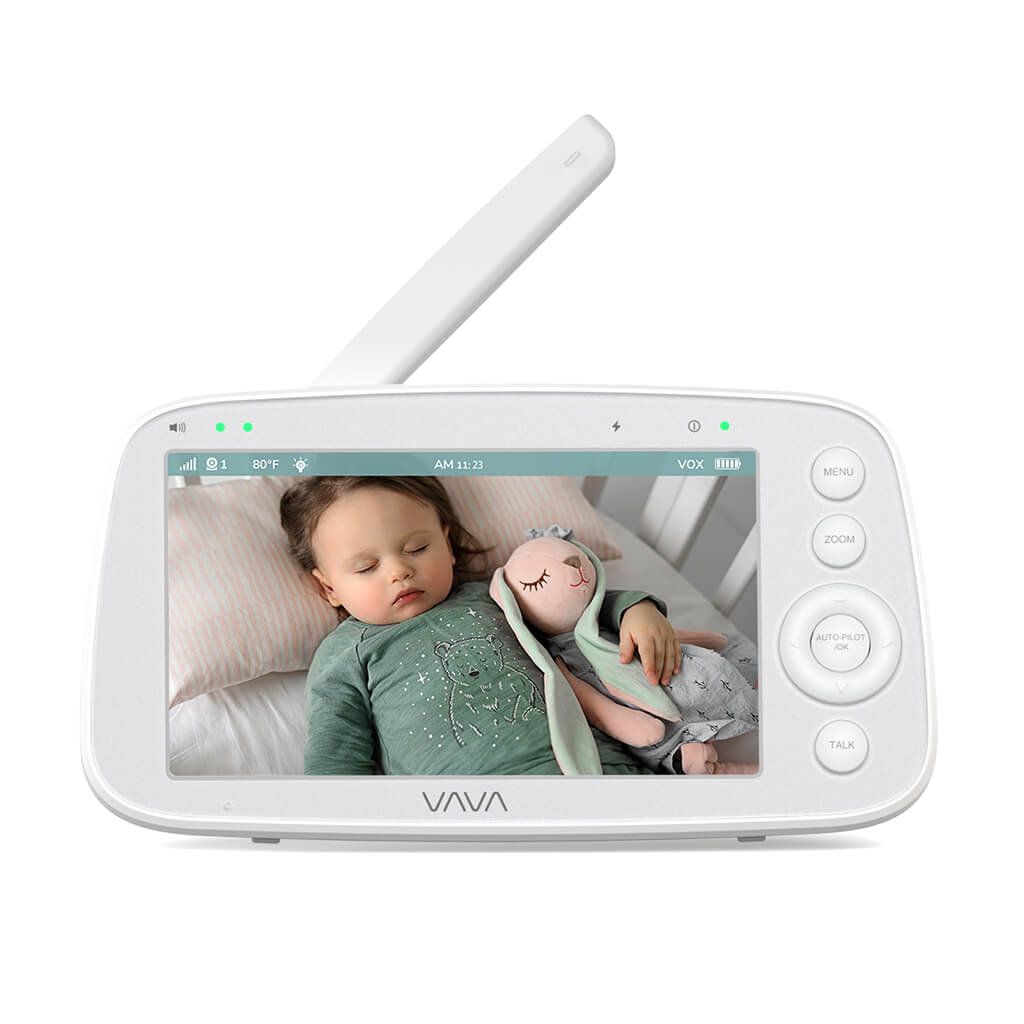
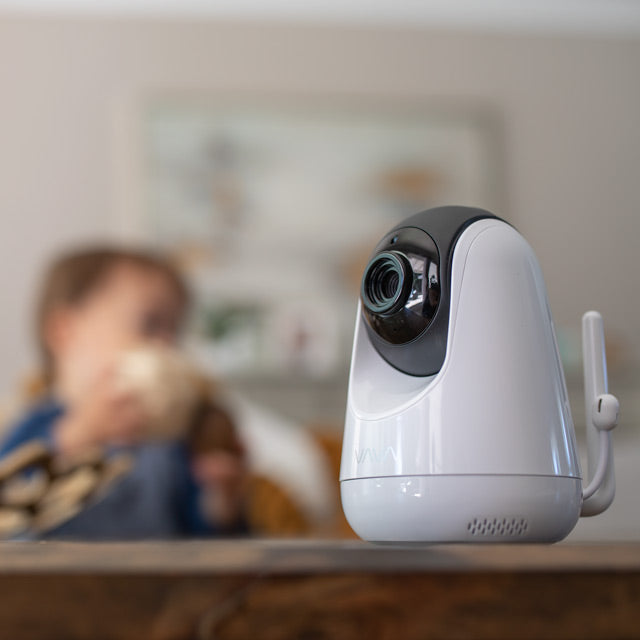


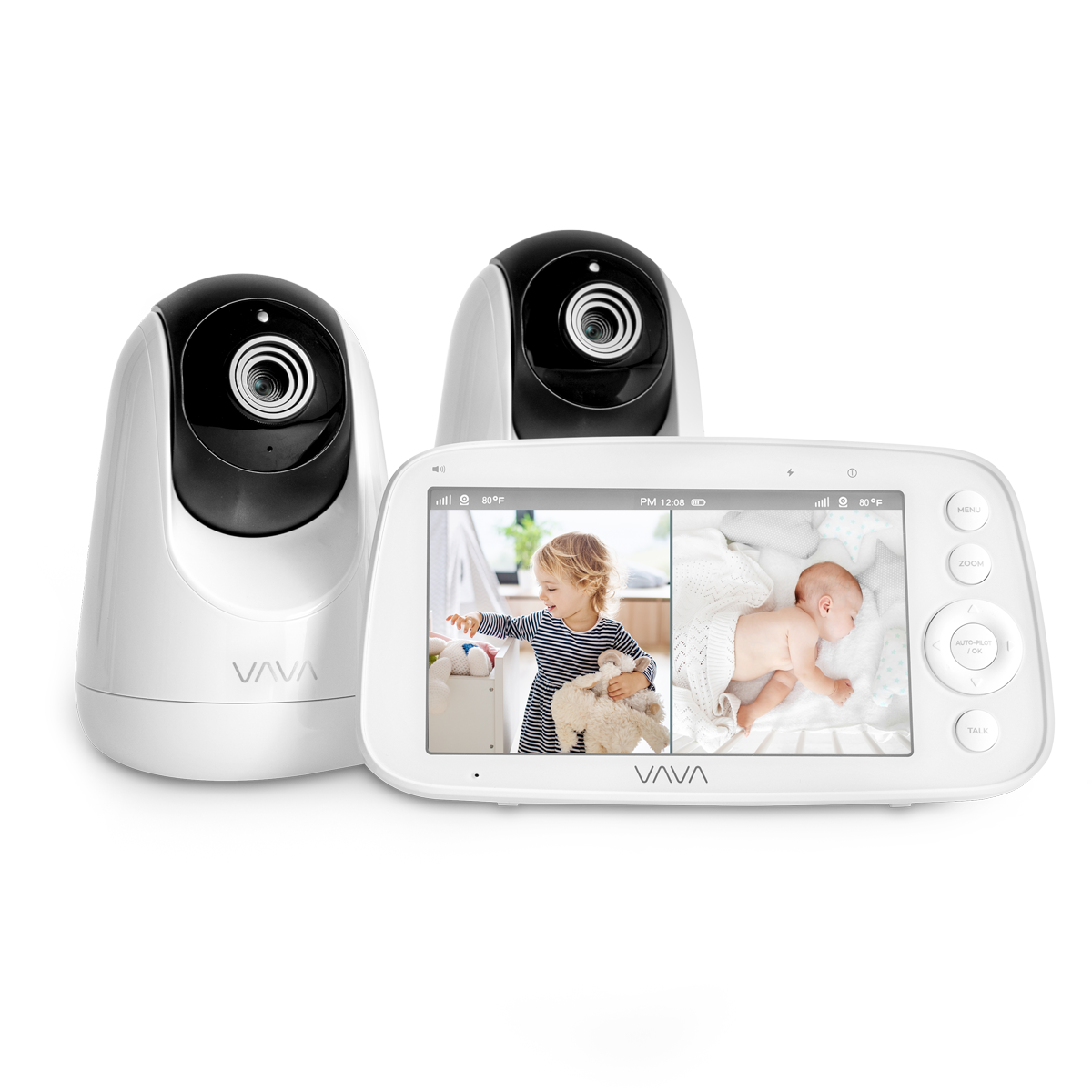
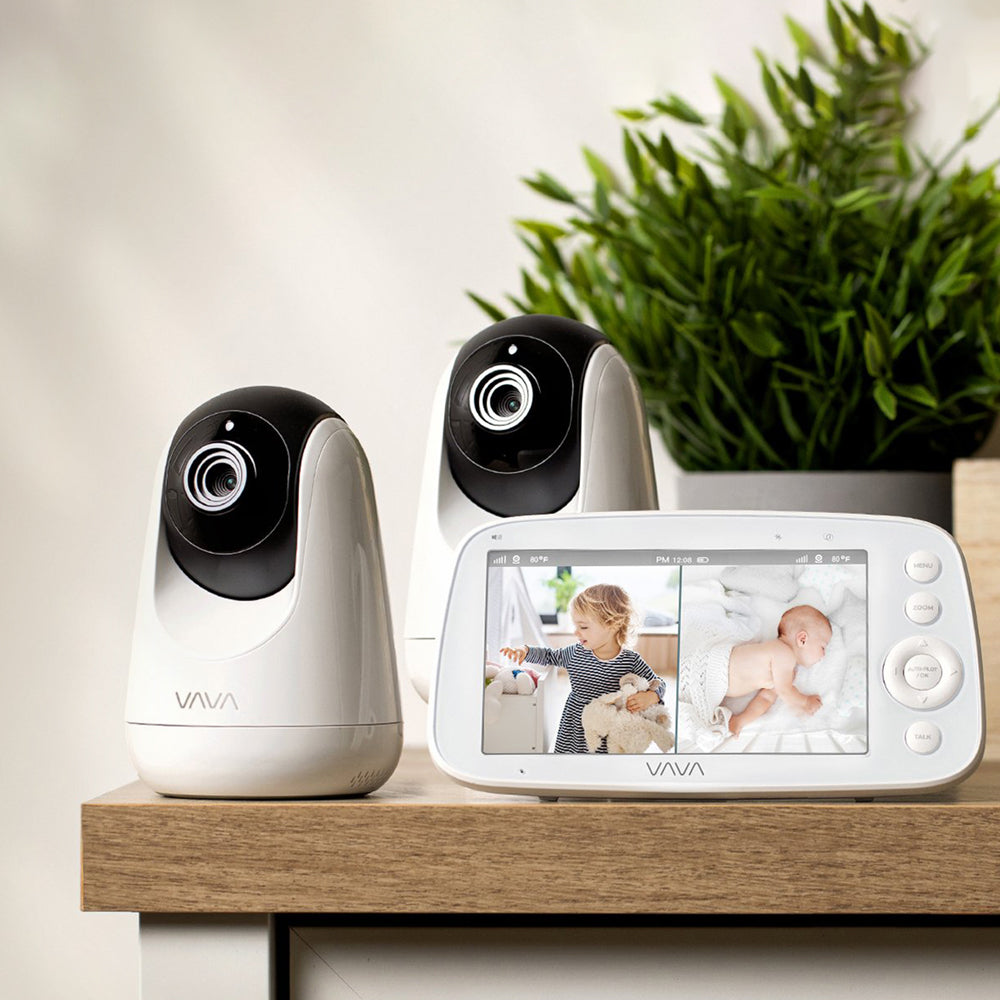
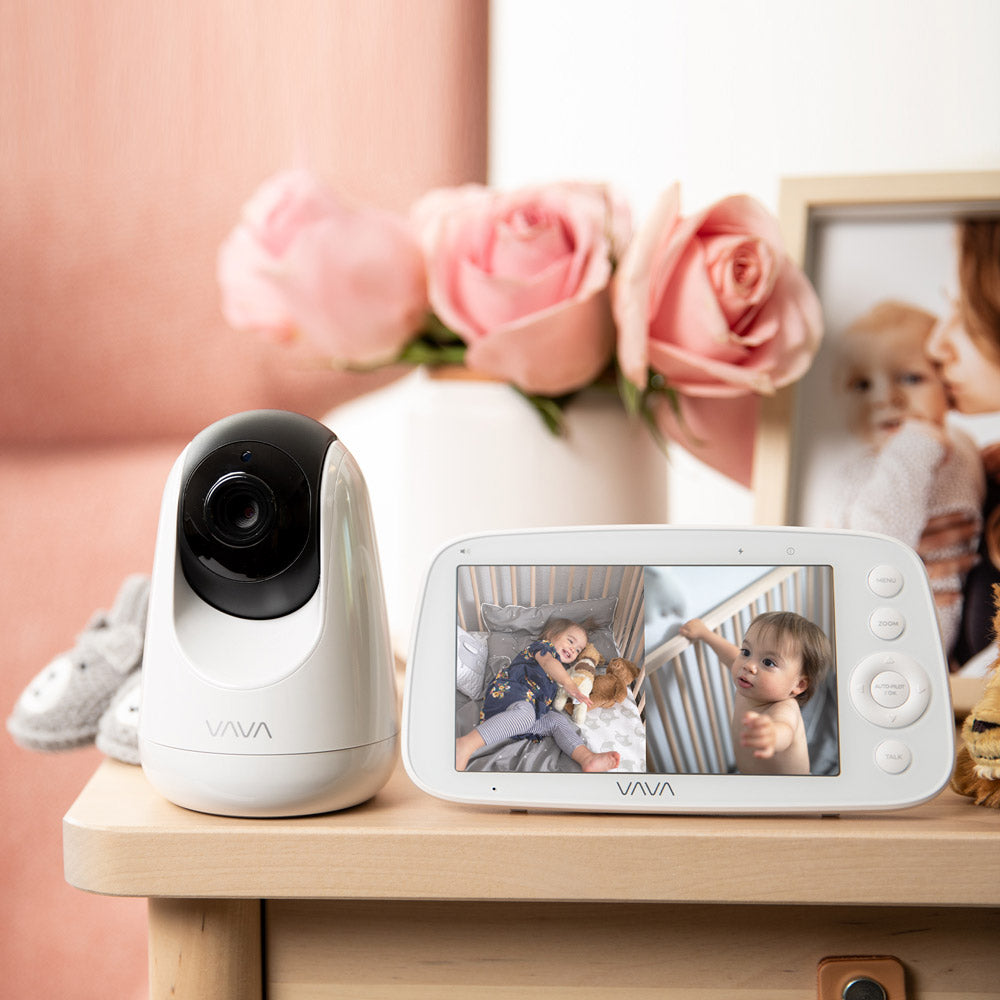
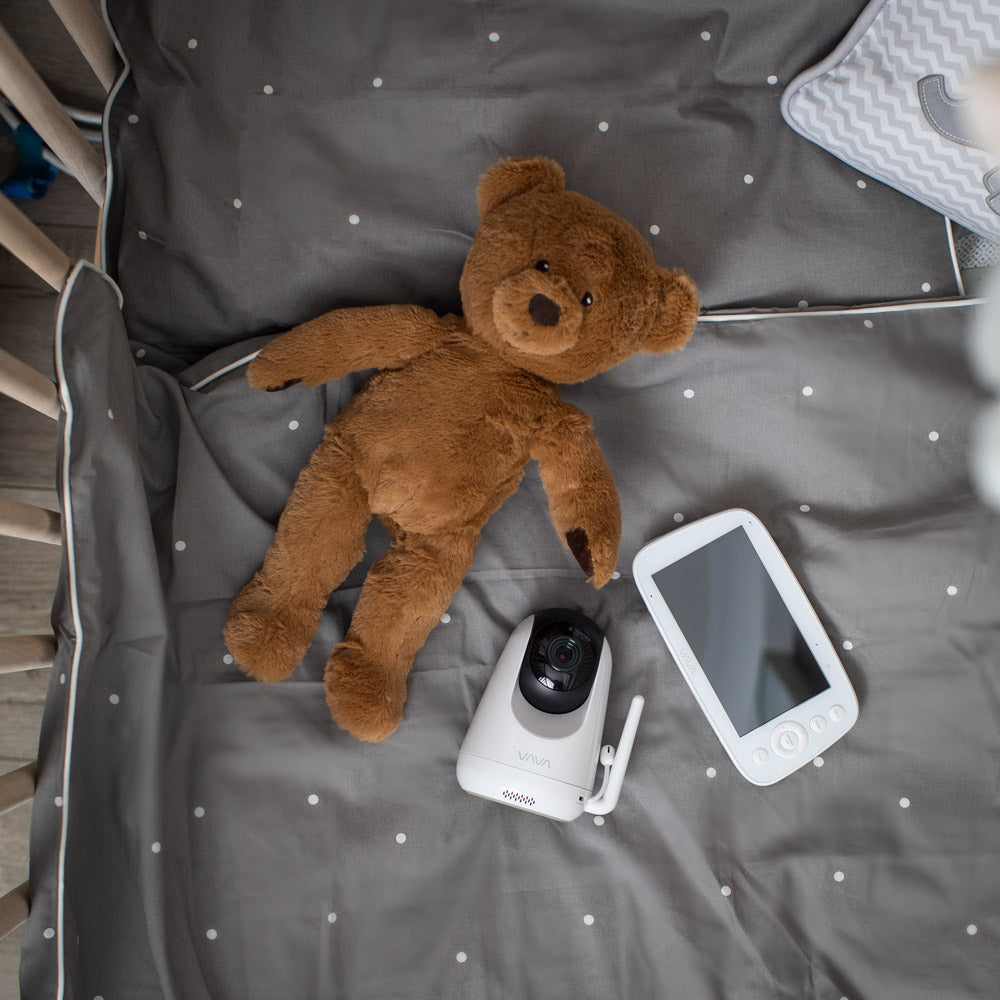
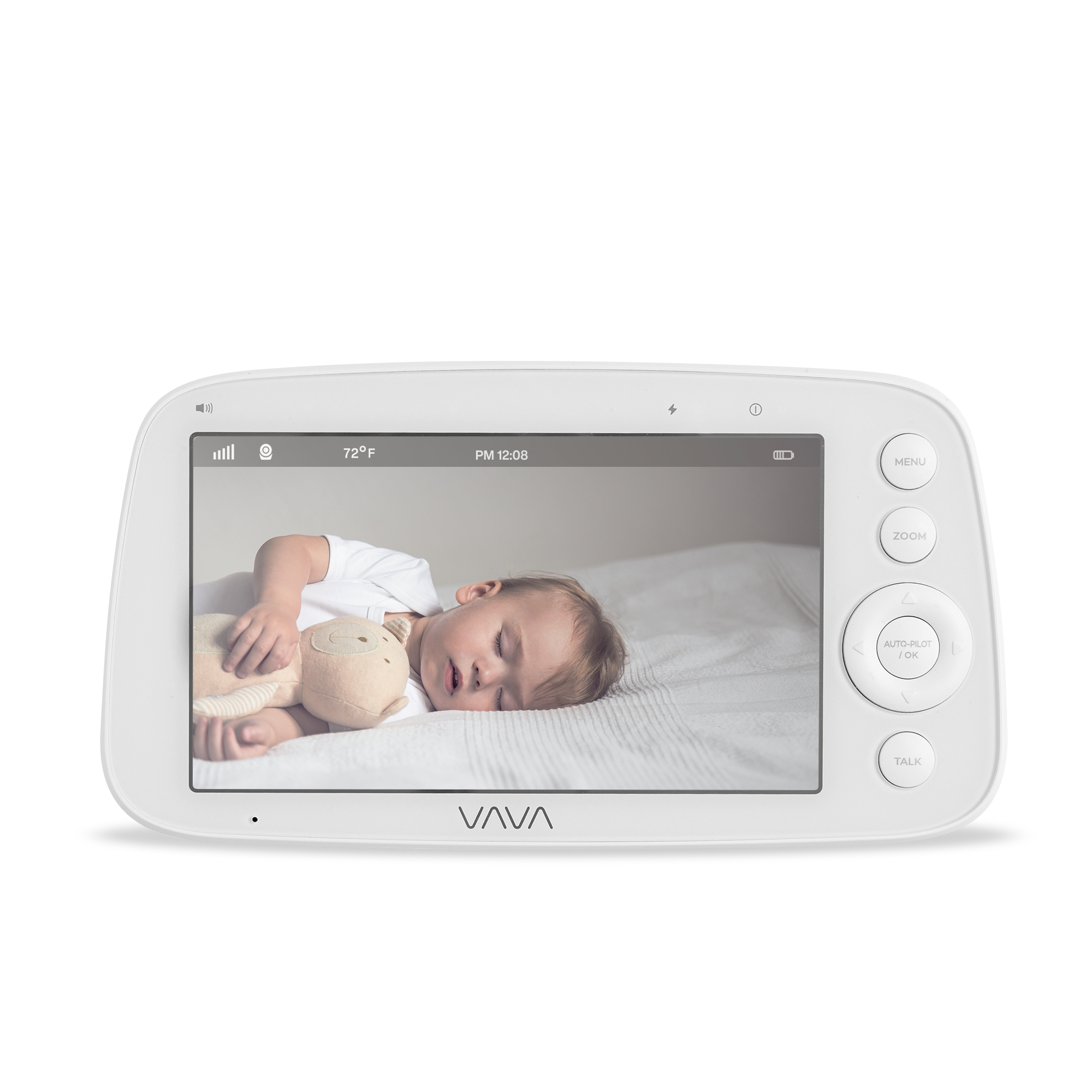
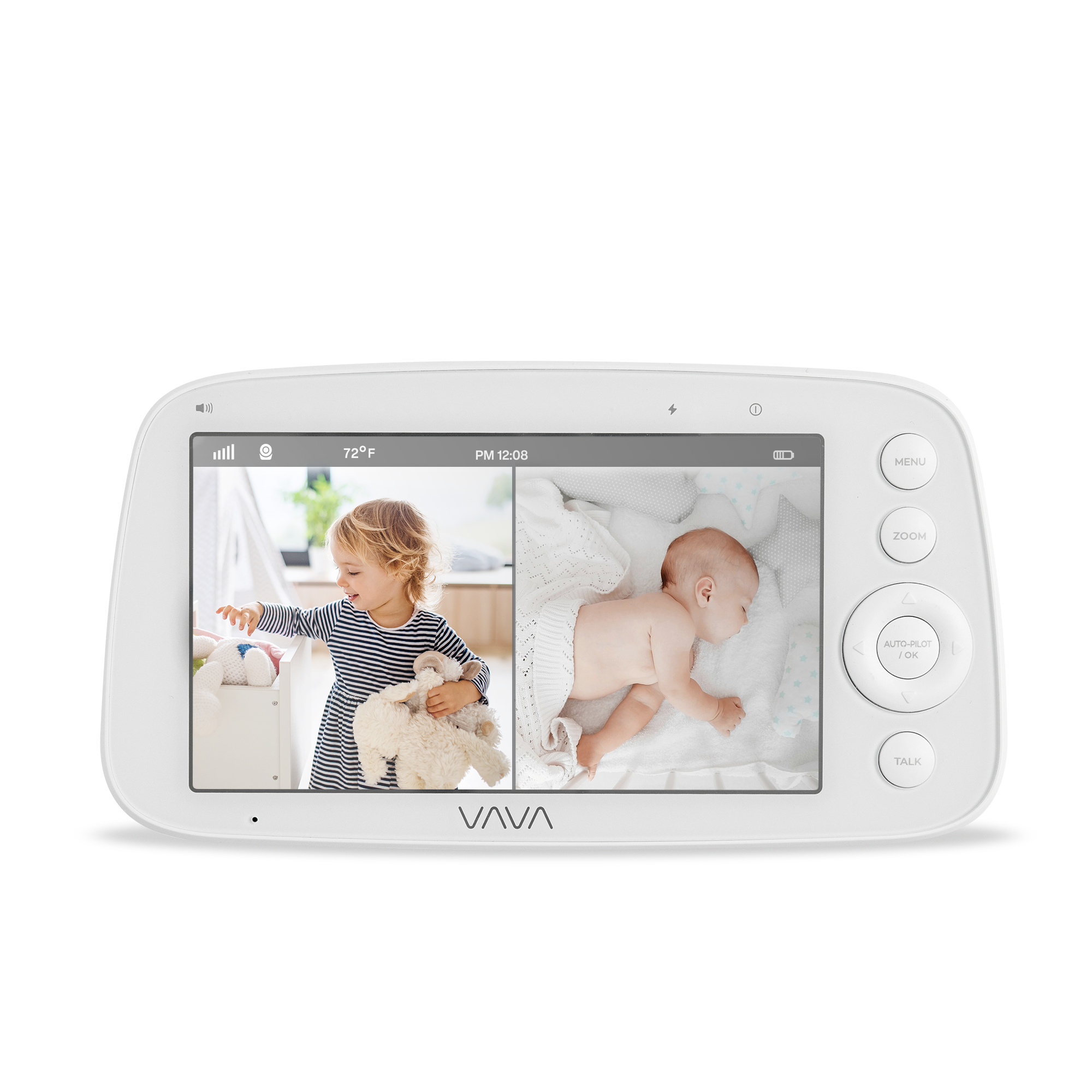
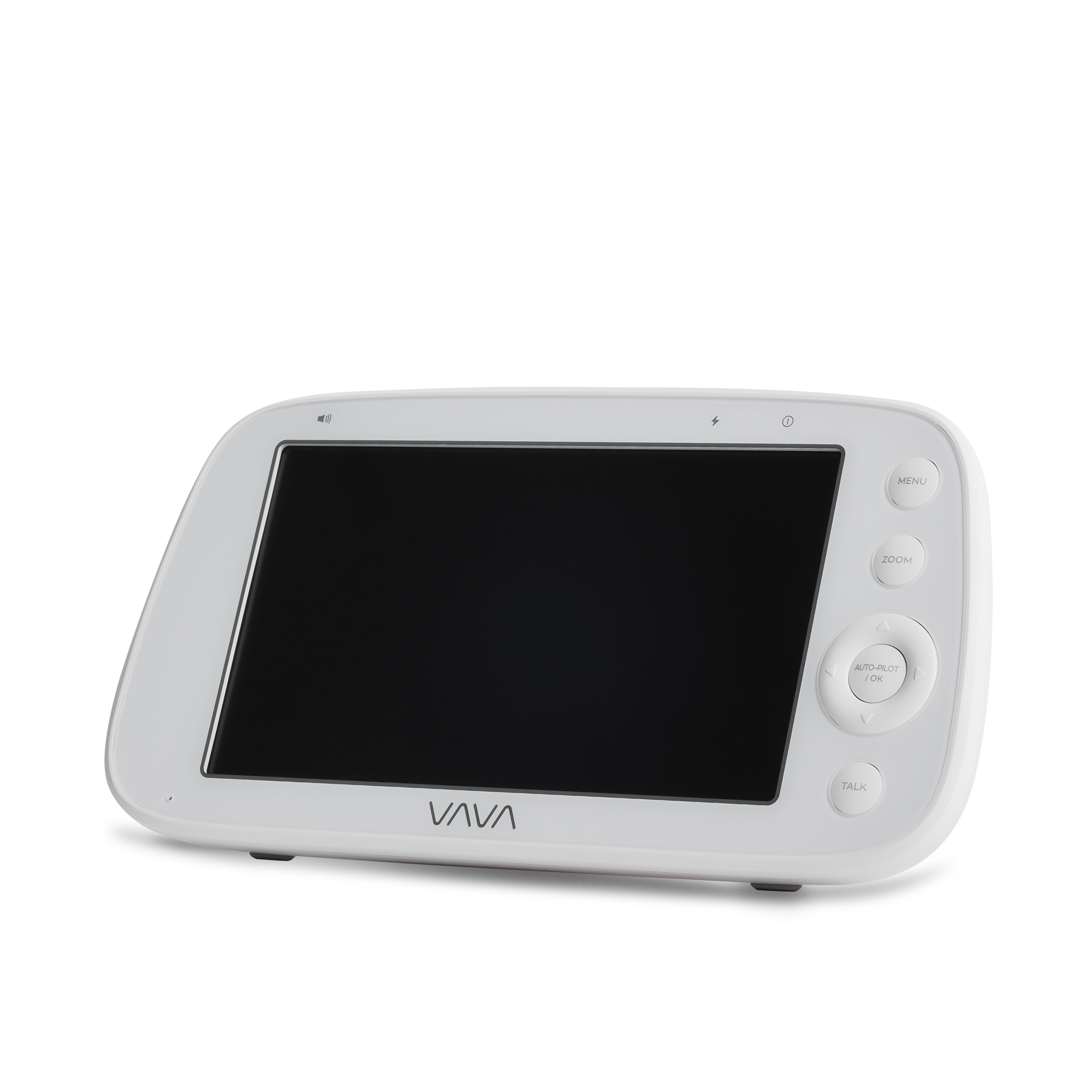
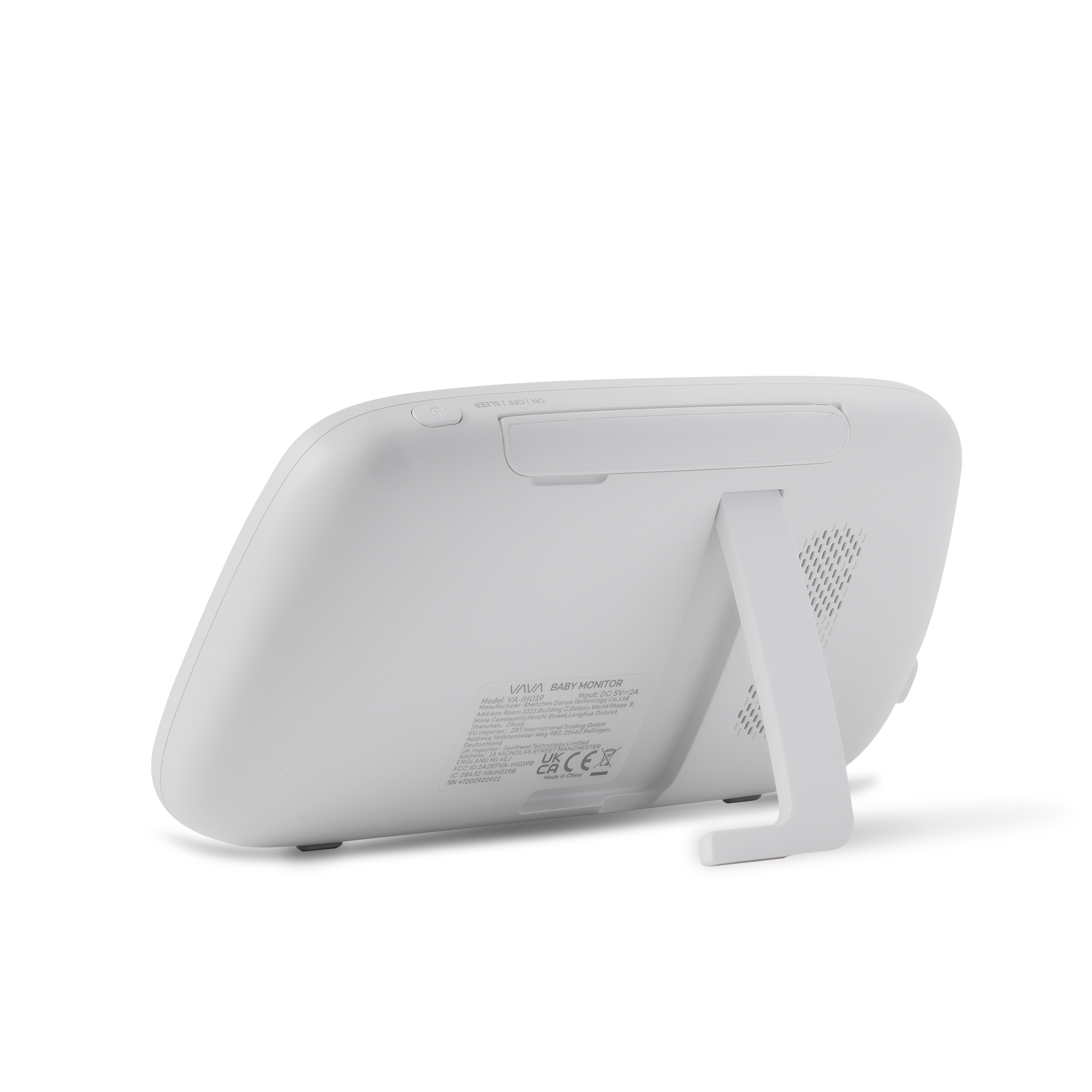
VAVA 5” Baby Monitor Parent Unit
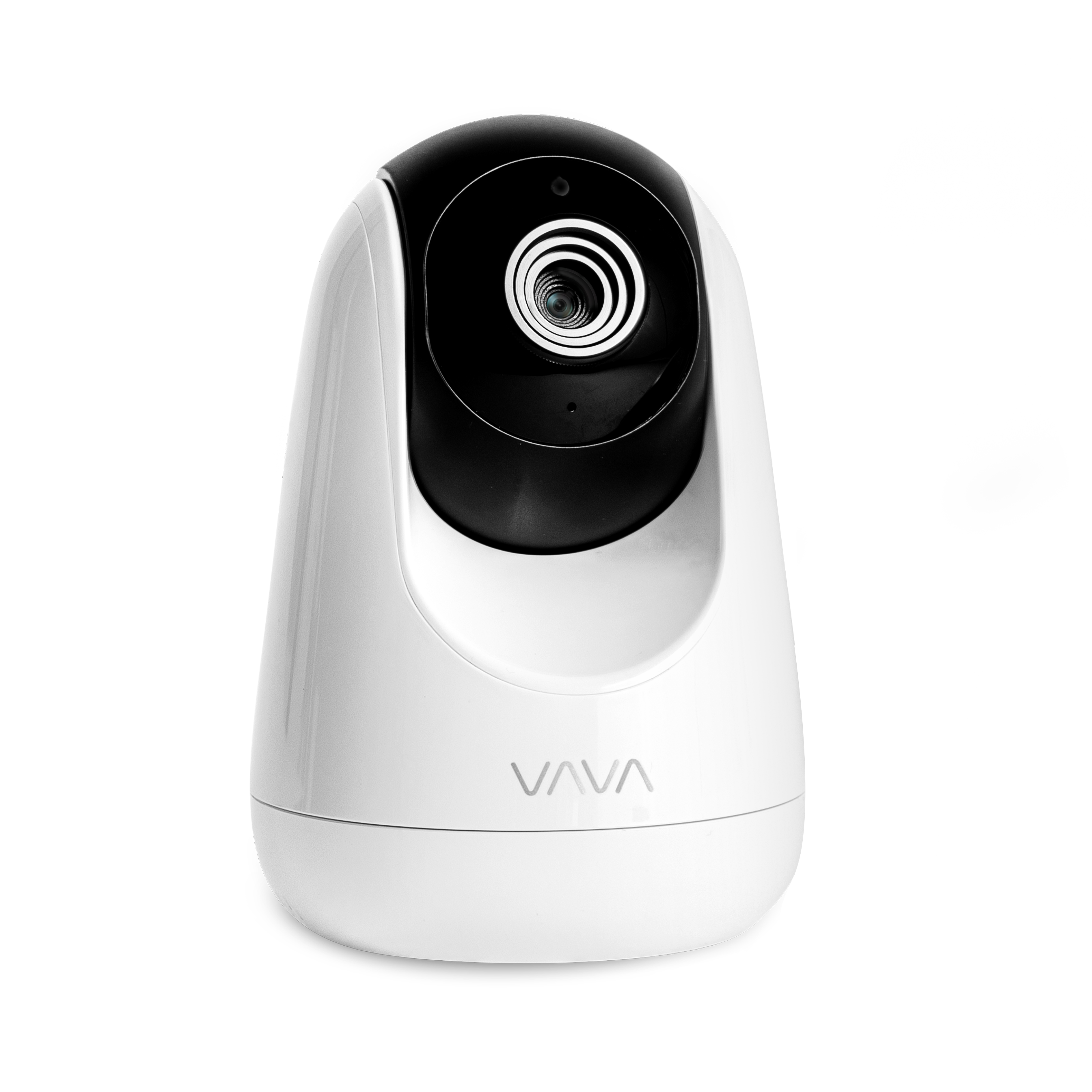
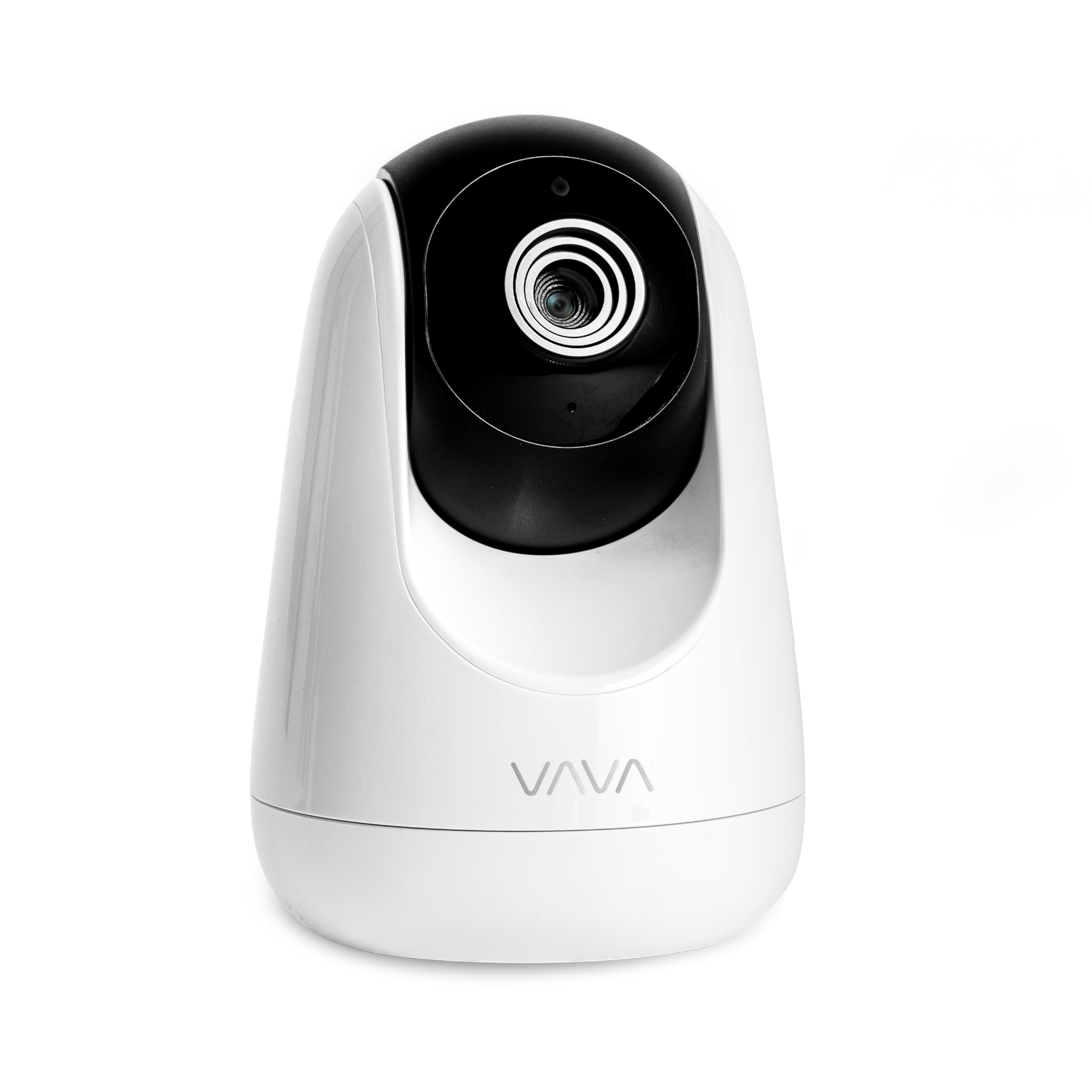
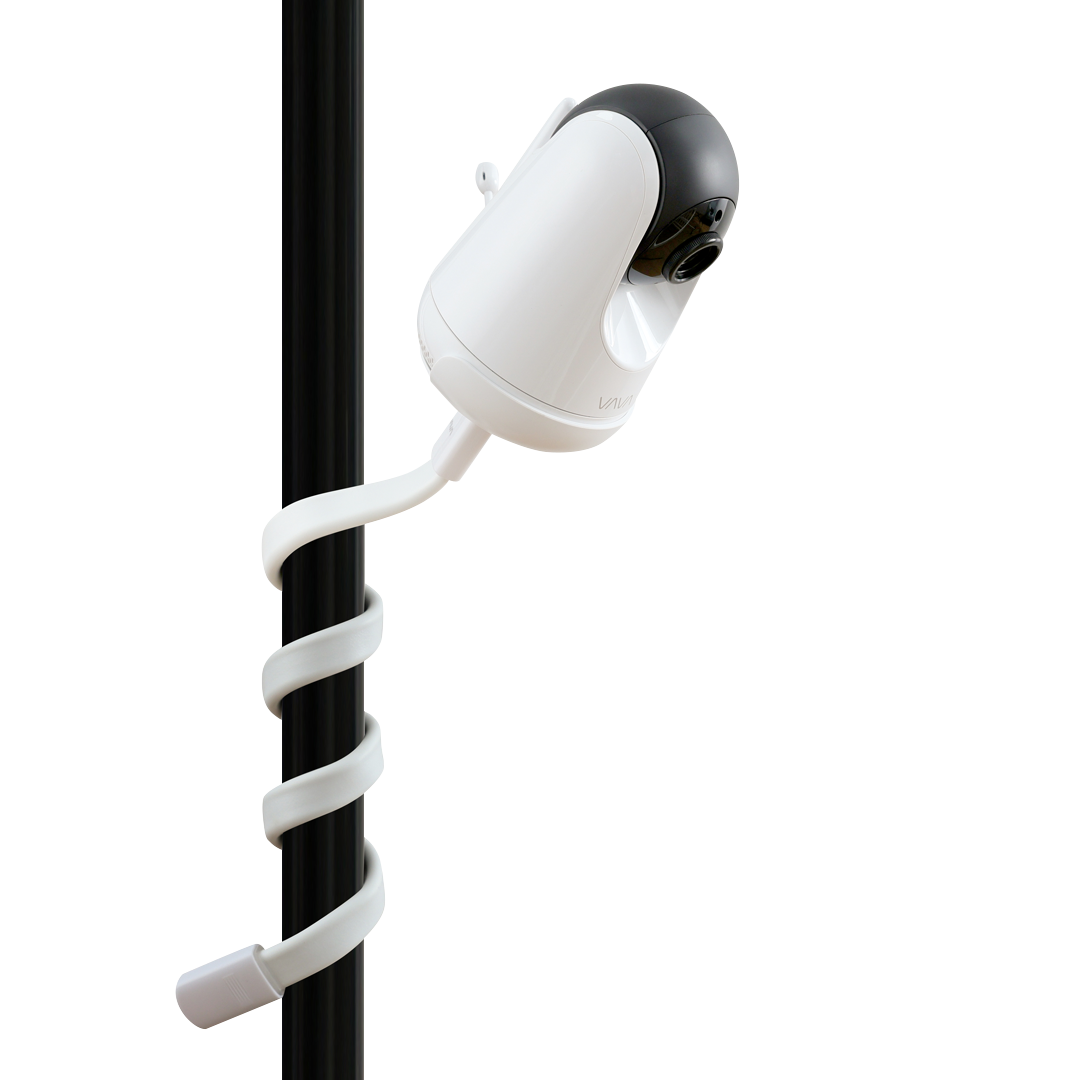
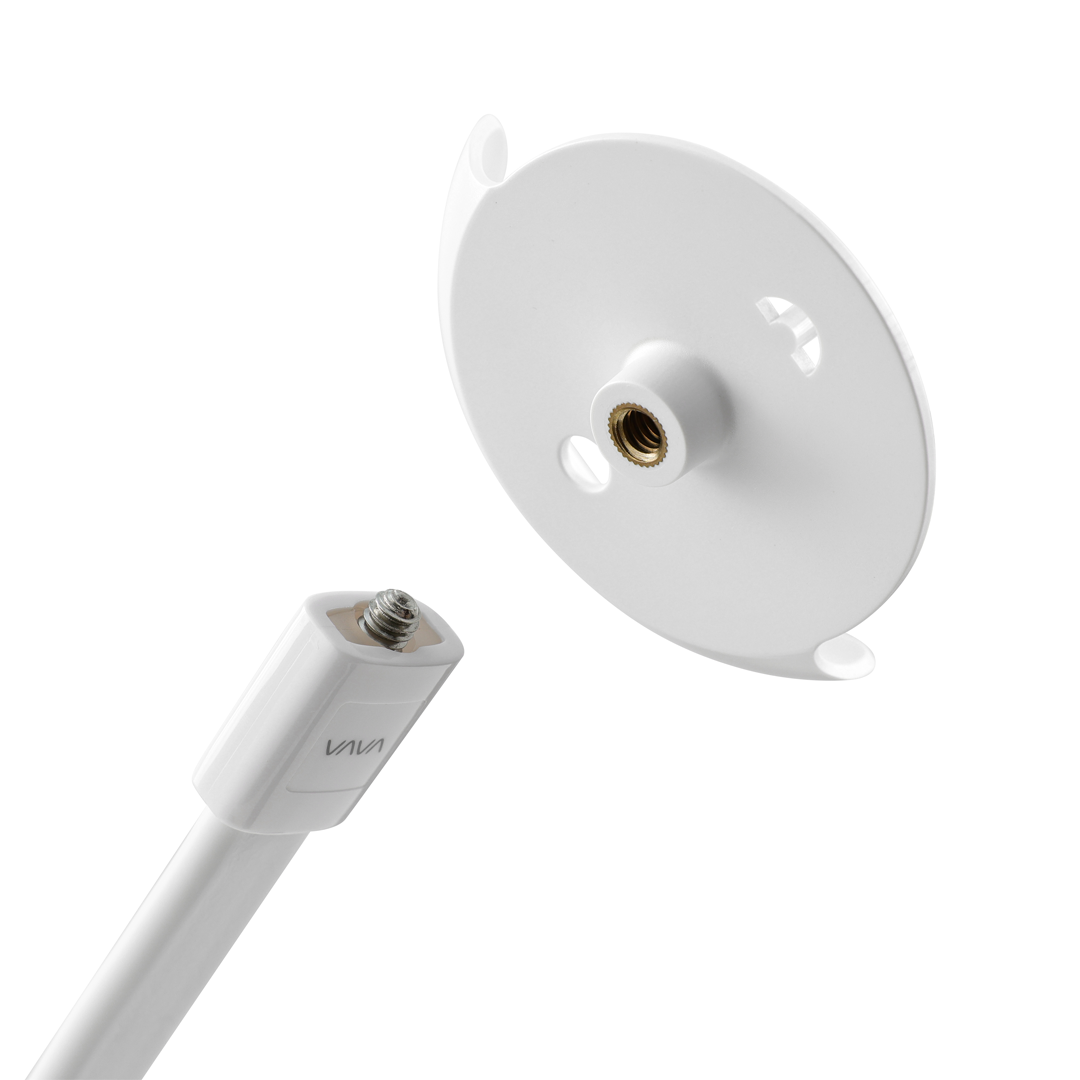
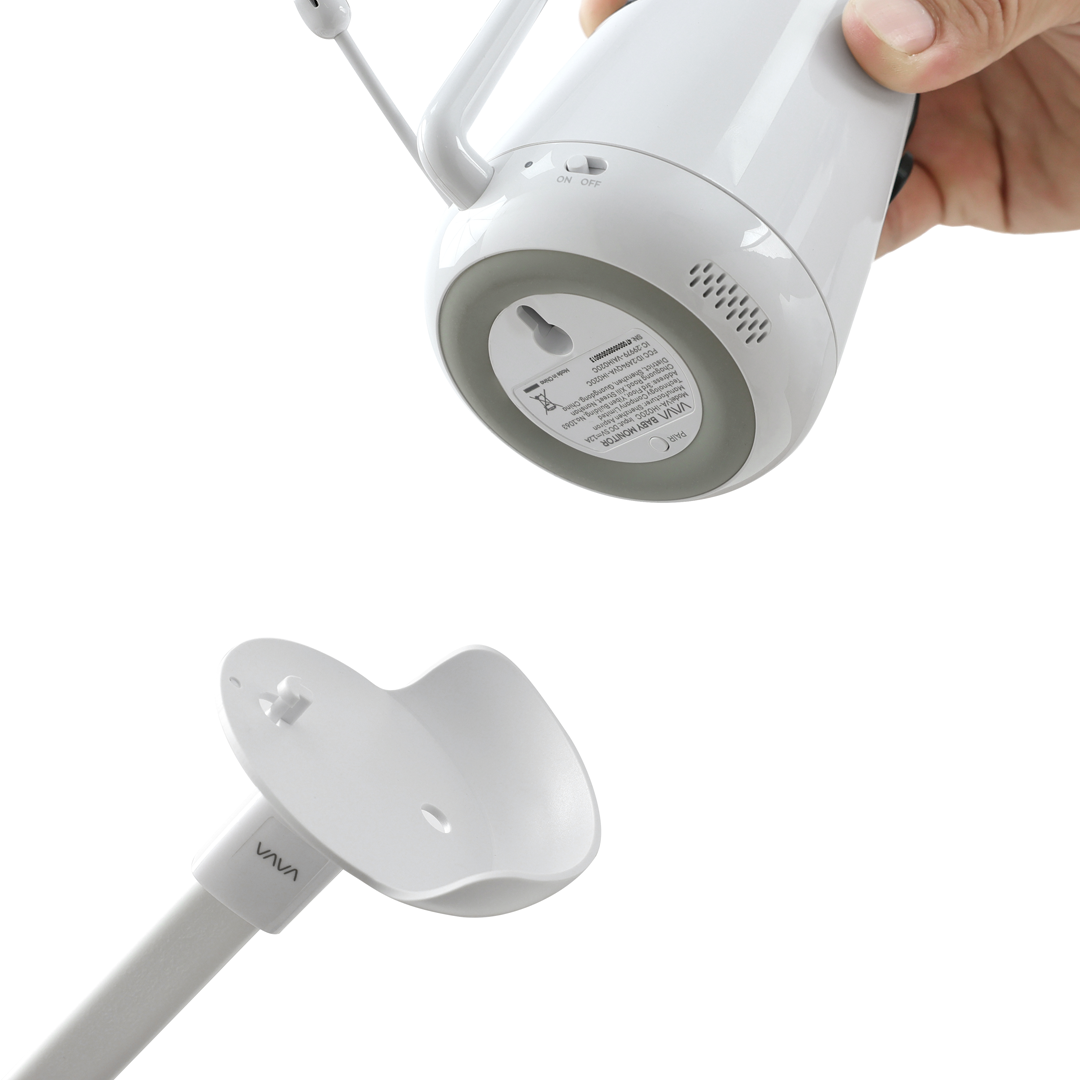
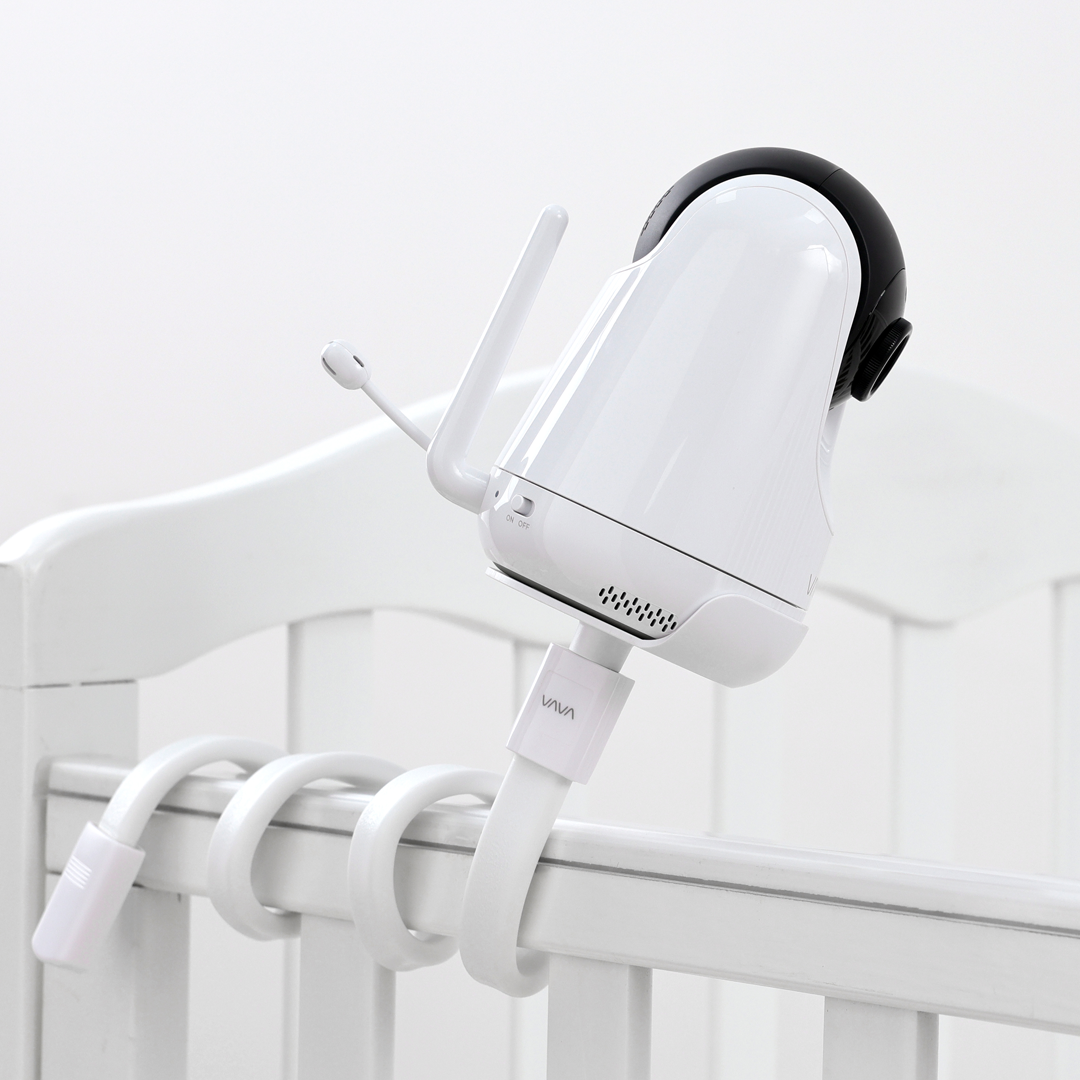
What Is a Baby Monitor?
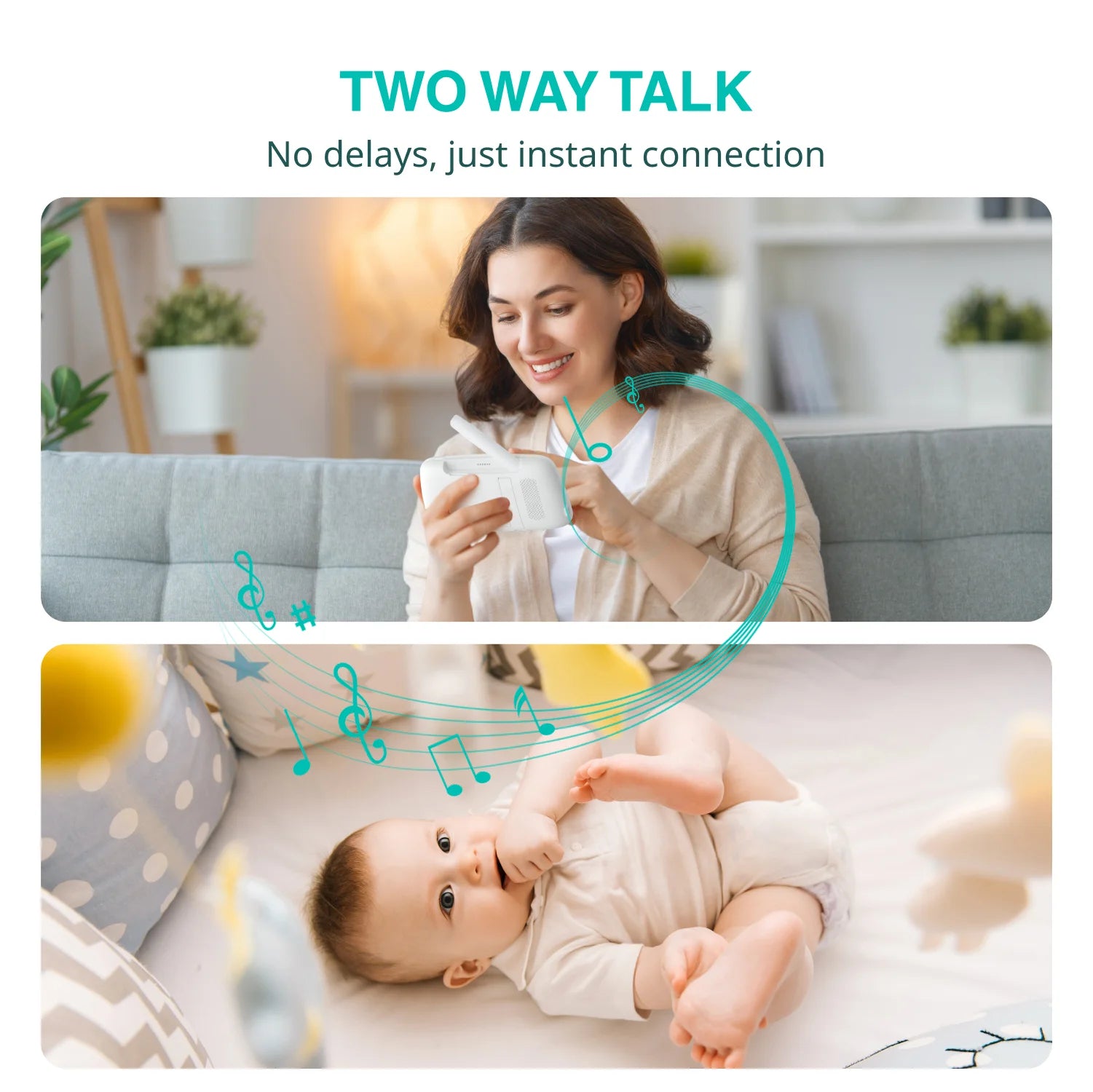
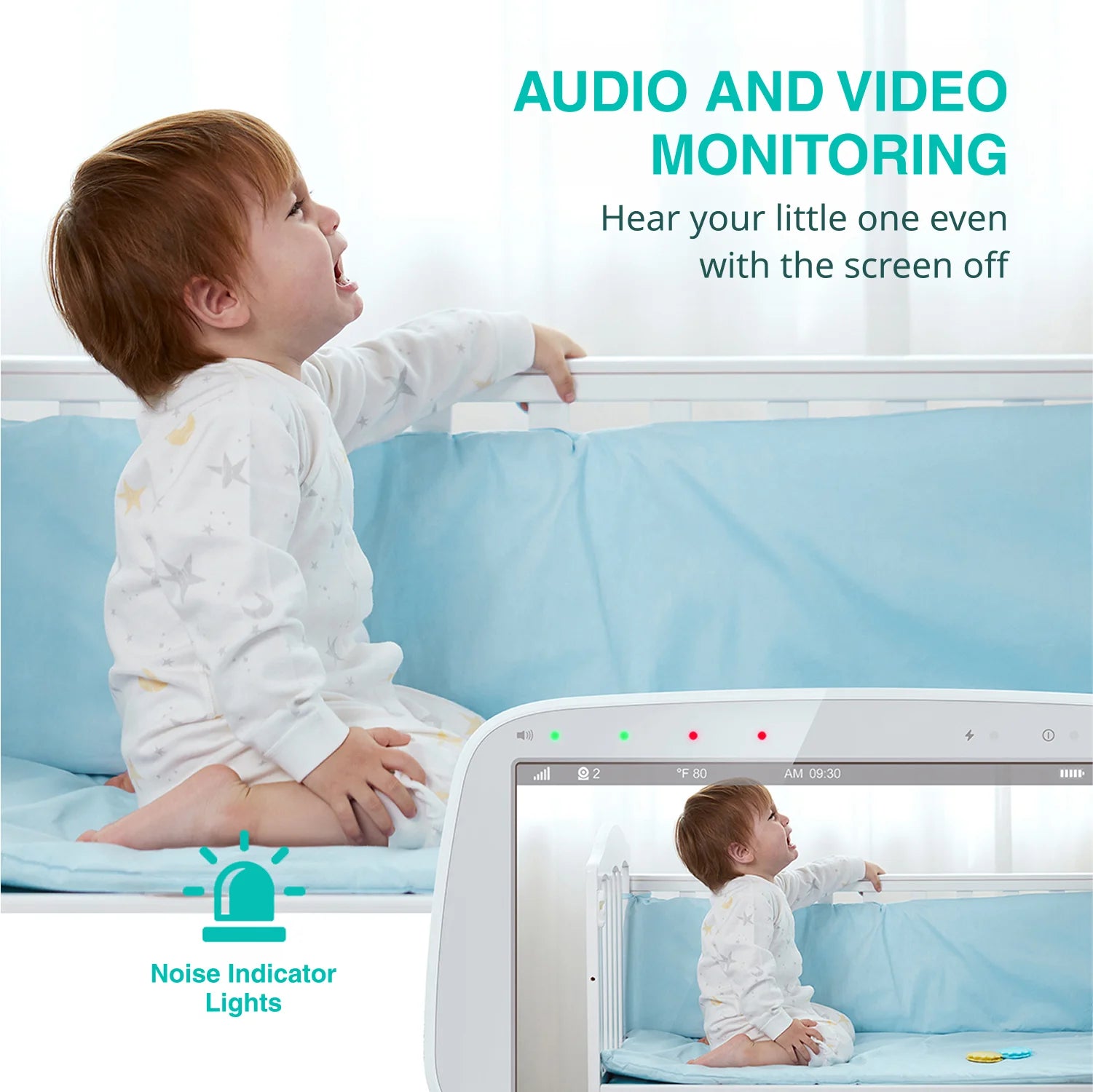
A baby monitor lets you see and hear your baby from another room using a camera and a dedicated parent unit. For most parents, the everyday decision comes down to the view they want, the number of rooms they need to watch, and whether they may add cameras or replace a part later.
VAVA's baby monitor lineup includes 5-inch 720P systems, a two-camera Split Screen option, an 8-inch 1080P monitor, and model-specific replacement parts and add-on cameras.
Choose a Baby Monitor for Your Home
The right baby monitor depends on how many spaces you want to check, how much of the picture you want to see, and whether you plan to expand your system later.
One Main Nursery
If you mainly check one nursery, a standard 5-inch 720P baby monitor may be enough for everyday viewing. It gives you a dedicated parent screen for routine check-ins in one room.
Two Rooms, Two Children, or Two Angles
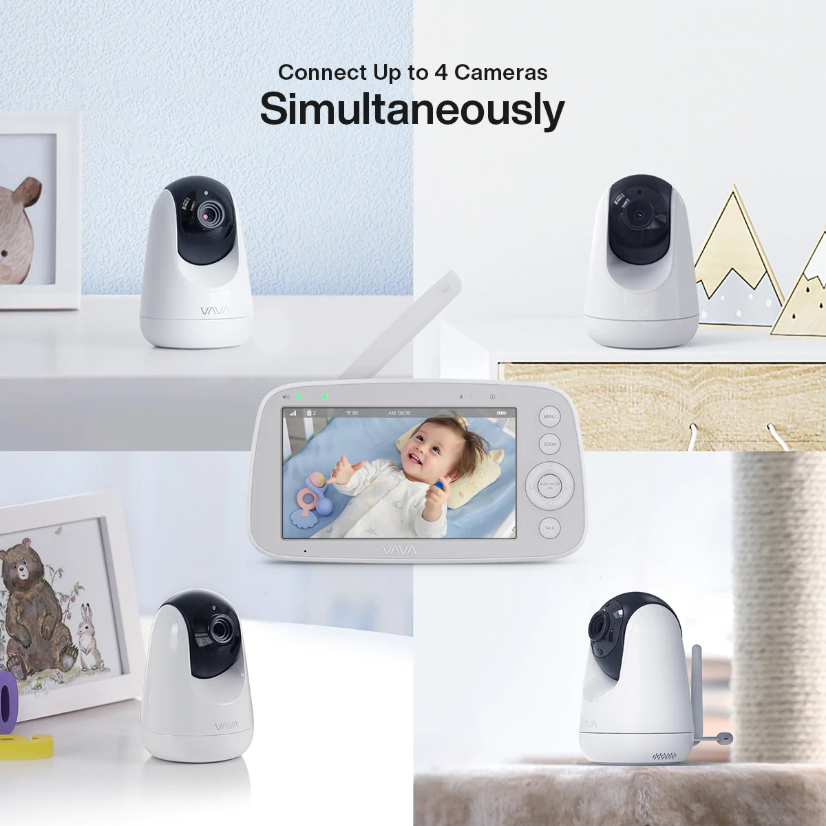
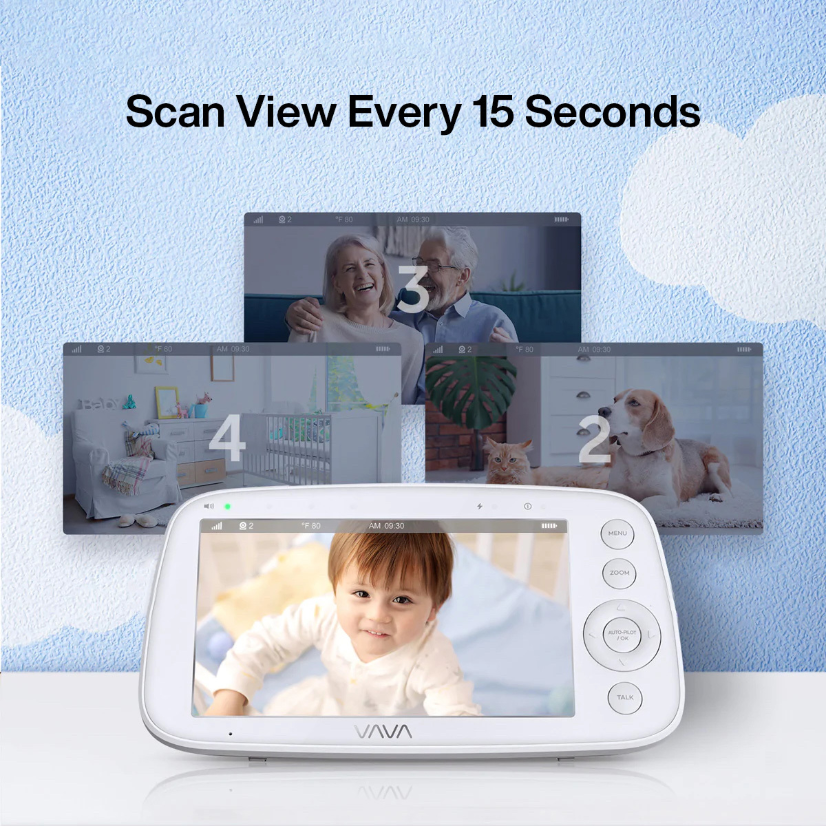
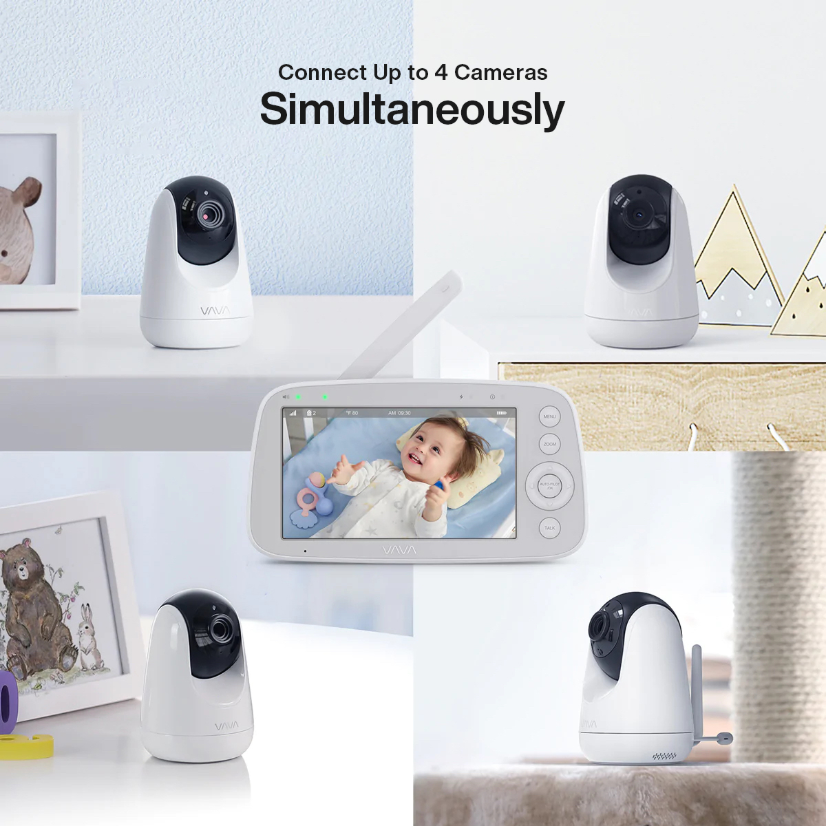
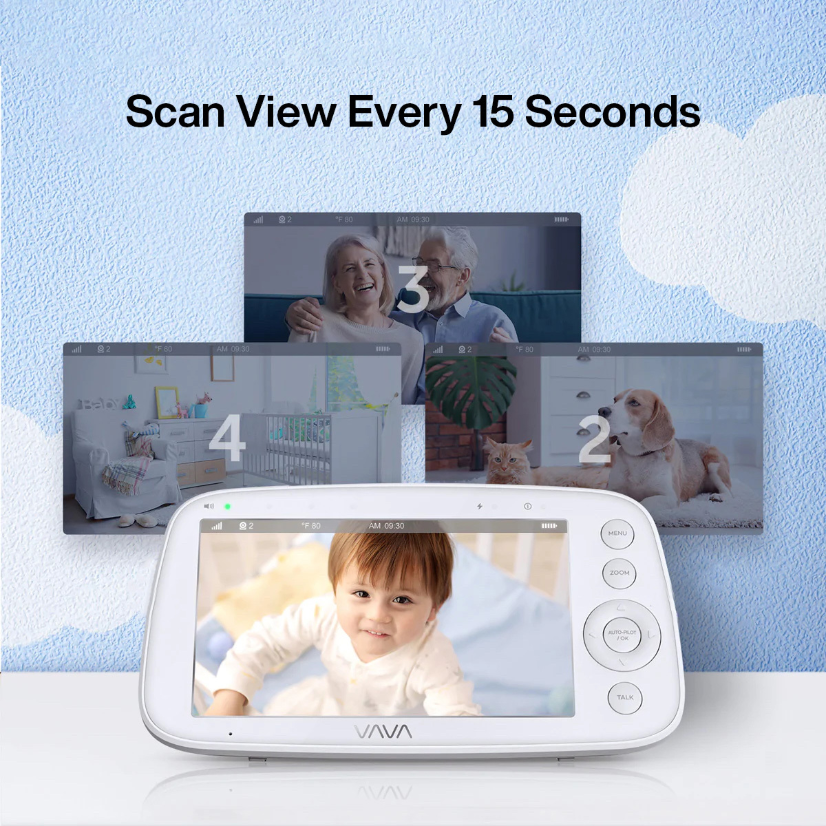
If you need to view two spaces at the same time, a split-screen baby monitor can show two camera feeds on one parent unit. This can be useful for two children, two rooms, or two viewing angles.
A Larger Viewing Area
If you prefer to see more of the image at a glance, an 8-inch 1080P baby monitor may be a better fit. This option is suited to shoppers who place a higher priority on screen size and picture detail.
Choosing the 720P PRO System
If you are specifically looking for the 720P PRO, review its product details and accessory compatibility before ordering. It follows a separate product path from the standard 720P monitor.
Adding to an Existing VAVA System
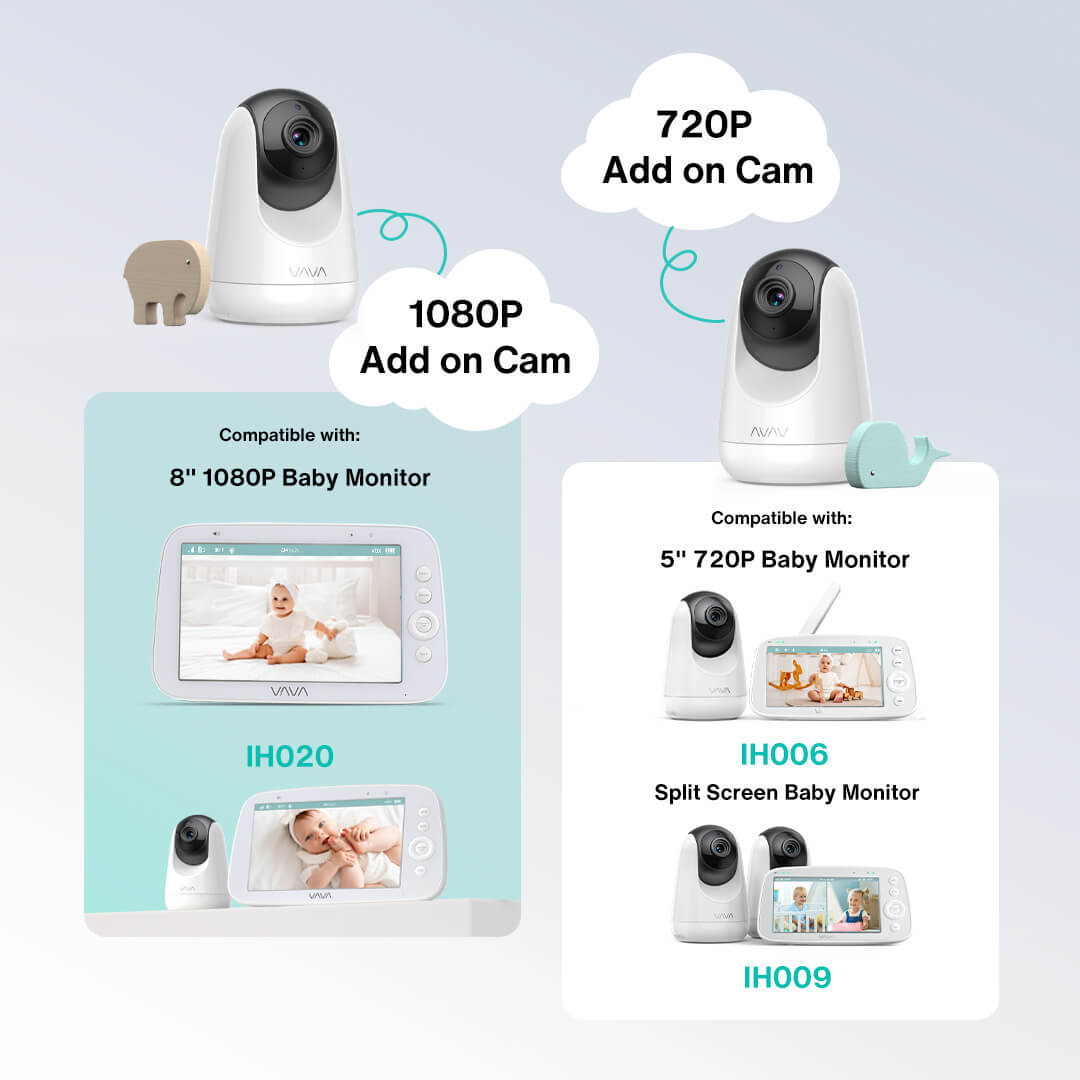
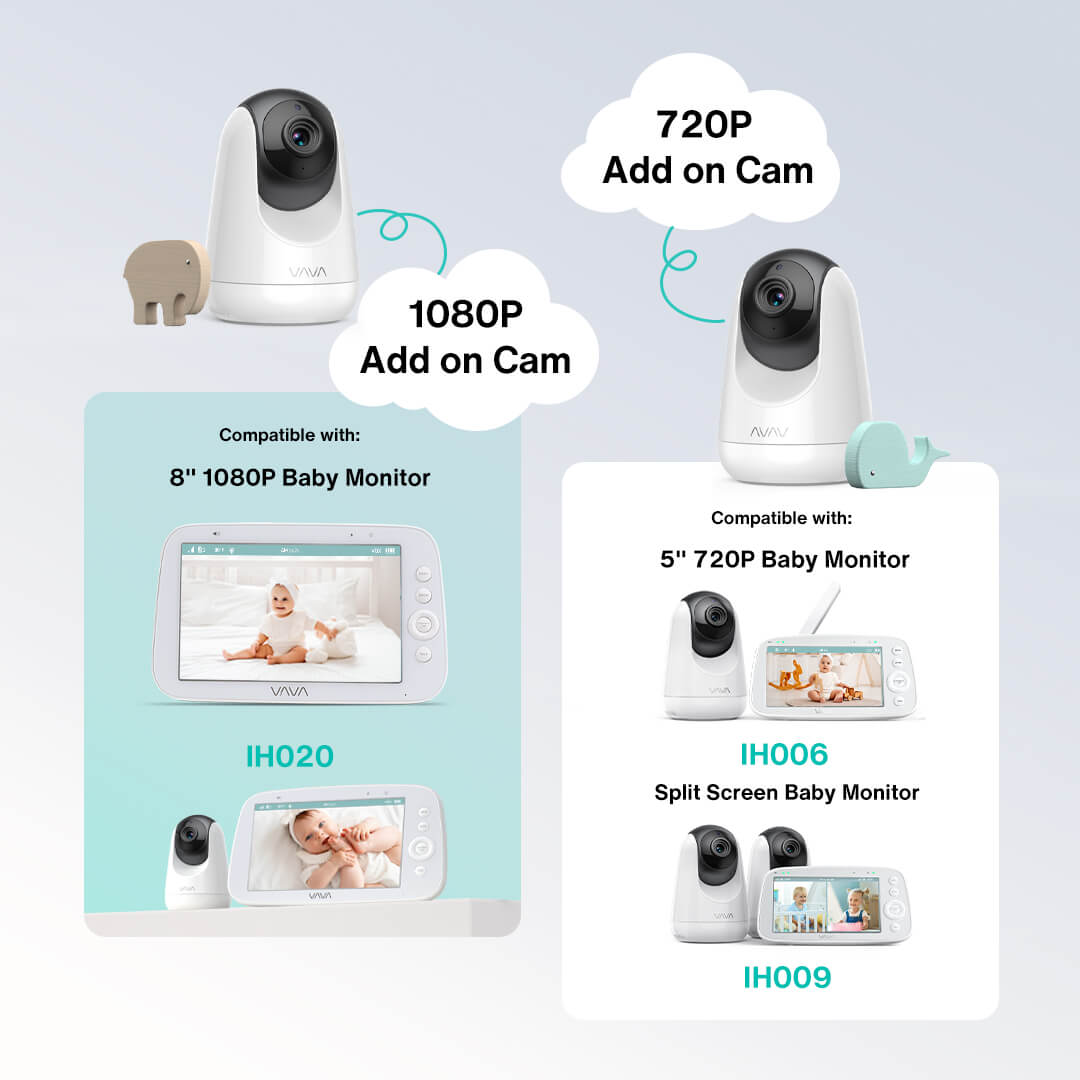
If you already own a VAVA baby monitor, start with the model number before choosing an add-on camera or replacement parent unit. Accessories follow model-specific compatibility rules.
Compare Baby Monitor Types
The main choice is between a simpler single-camera setup, simultaneous views of two spaces, and a larger single-camera display. Choose based on how many spaces you check and how you prefer to view them, rather than choosing by resolution alone.
| If your priority is... | Consider this type | What changes in daily use | Best fit |
|---|---|---|---|
| Keeping one nursery check simple | Standard 5-inch 720P Baby Monitor | One camera and one dedicated parent screen keep the setup straightforward. | One main nursery |
| Choosing the PRO version of a 5-inch monitor | 720P PRO Baby Monitor | A separate PRO product path with its own product details and accessory compatibility. | Shoppers specifically comparing the PRO system |
| Seeing two spaces at the same time | Split-Screen Baby Monitor | Two camera views appear on one parent unit, so you can check two rooms, two children, or two angles without switching between views. | Two children, two rooms, or multiple viewing angles |
| Seeing more of one camera view at once | 8-inch 1080P Baby Monitor | The larger display gives you more screen area for a single camera view. | One main room where display size matters most |
What to Compare When Choosing a Baby Monitor
Camera Coverage
Start with the spaces you want to check. One camera may suit a single nursery, while a system with two included cameras can help when you want to view two rooms or two angles.
Screen Size
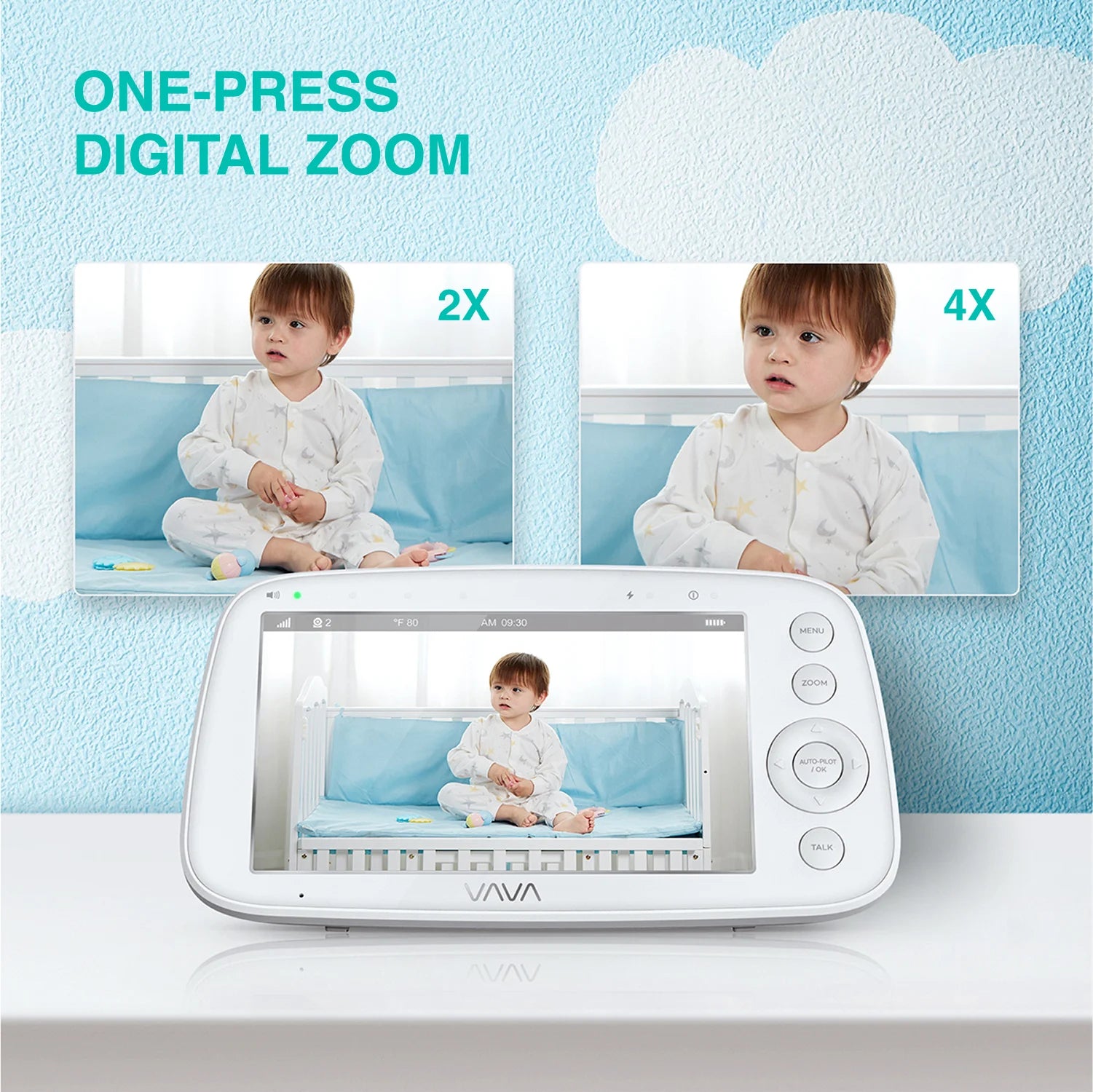
A 5-inch screen can suit routine check-ins in one room. An 8-inch screen may be a better fit if you prefer a larger viewing area.
Included Cameras
Check whether the system includes one camera or two. A split-screen system is designed for viewing multiple camera feeds from one parent unit.
Dedicated Parent Screen
Consider whether you prefer a separate parent unit for checking the nursery. A dedicated screen can keep everyday viewing separate from other phone tasks.
Expansion Options
Some VAVA monitor systems support compatible add-on cameras. Compatibility depends on the original model, so check the product details before ordering.
Connection and Setup
Connection and setup requirements vary by monitor system. Review the individual product page and user manual for the current requirements of the model you plan to buy.
Add-On Cameras and Replacement Parent Units
Already have a VAVA baby monitor? Check the model number before ordering an add-on camera or replacement parent unit. VAVA monitor accessories are model-specific and are not interchangeable across every monitor system.
Choose the product that matches your existing setup:
- Add-On Baby Cameras
- Replacement Parent Units
- Baby Monitor Accessories