


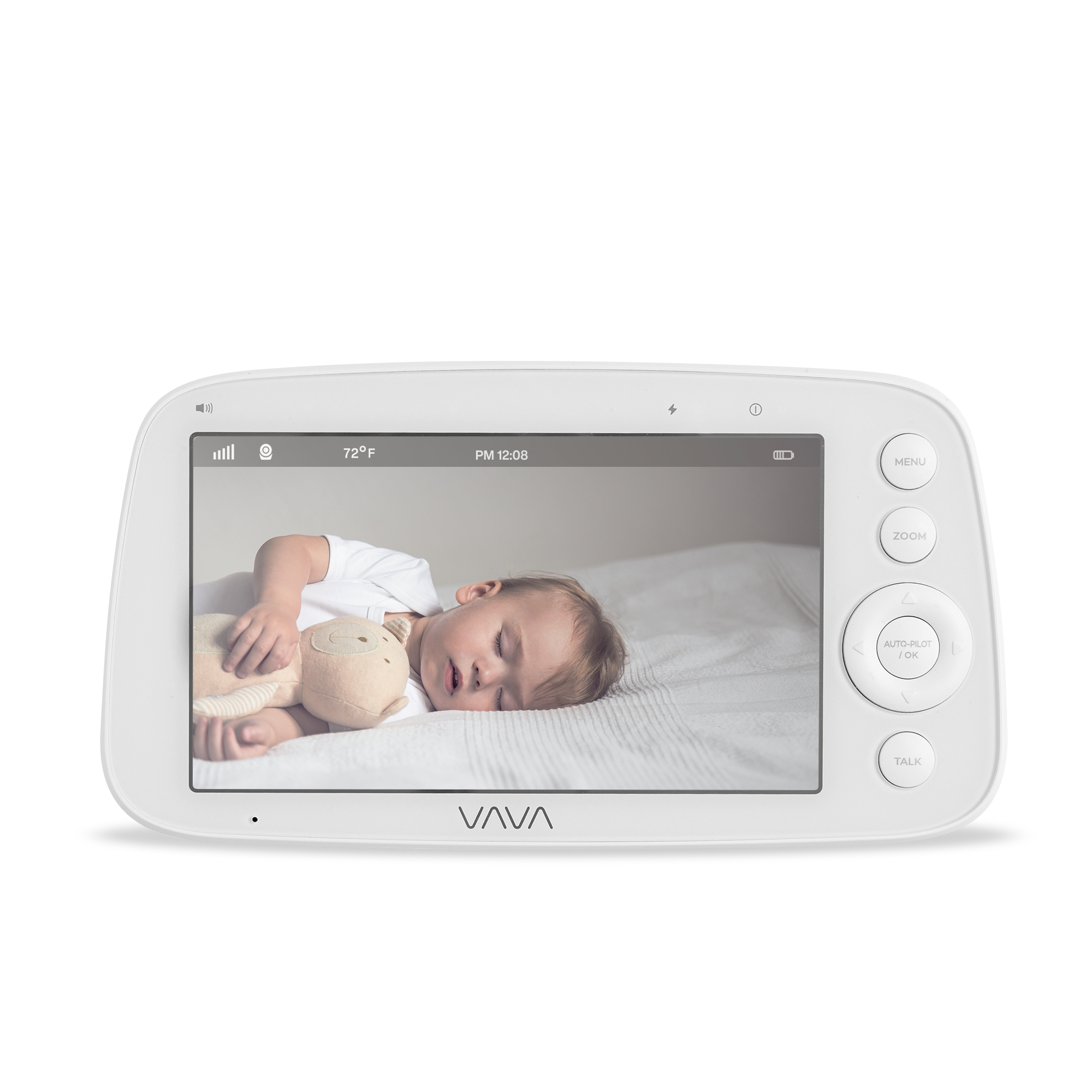
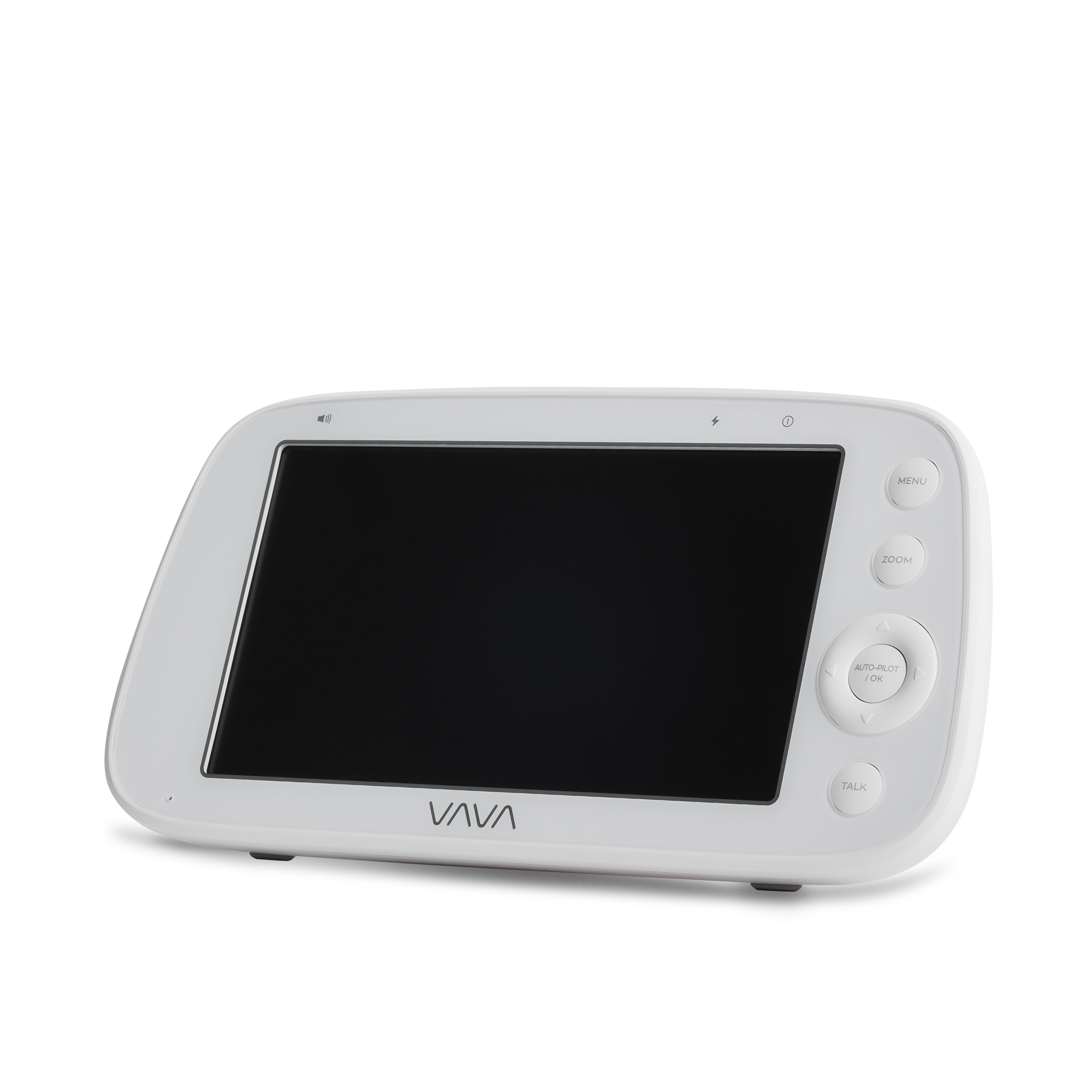
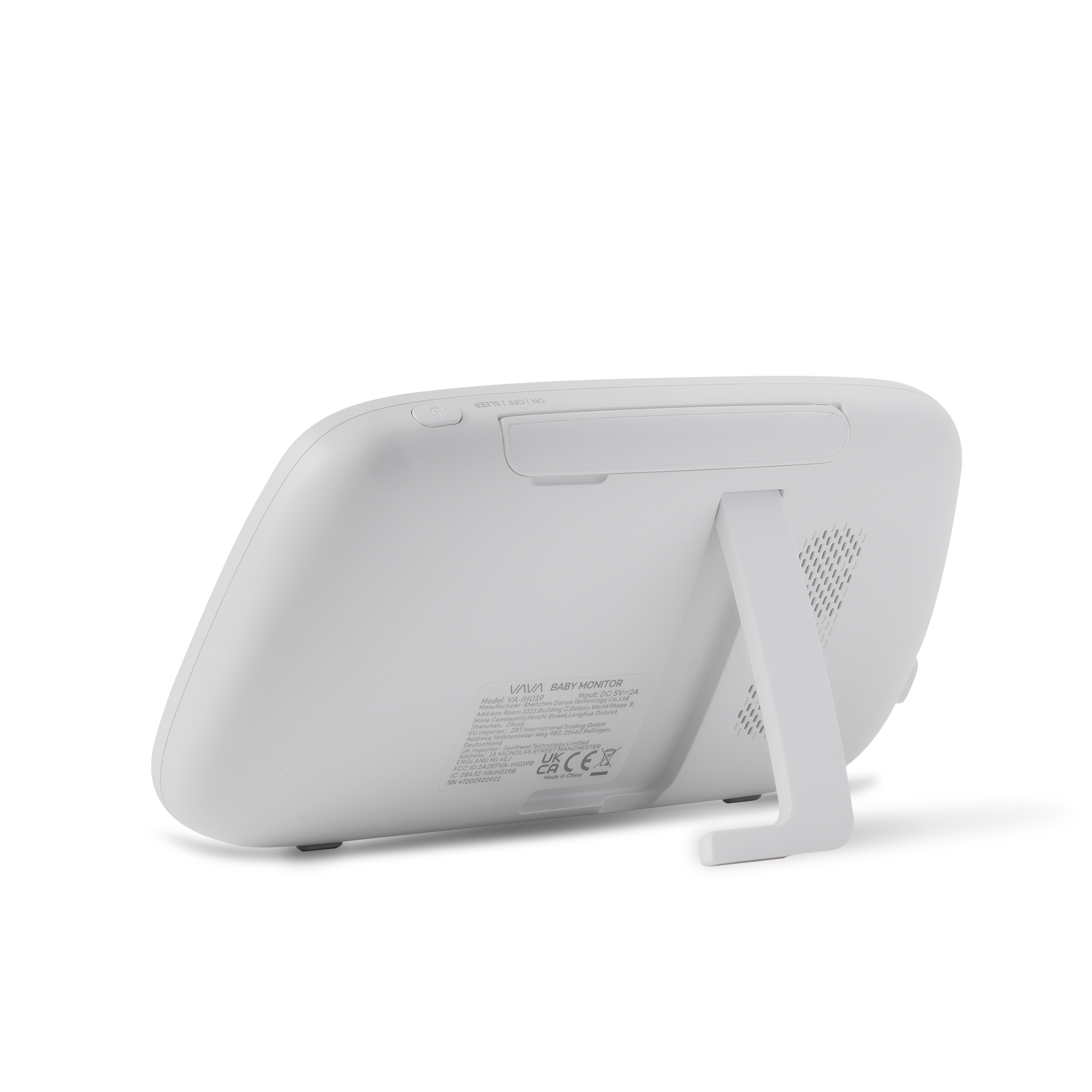
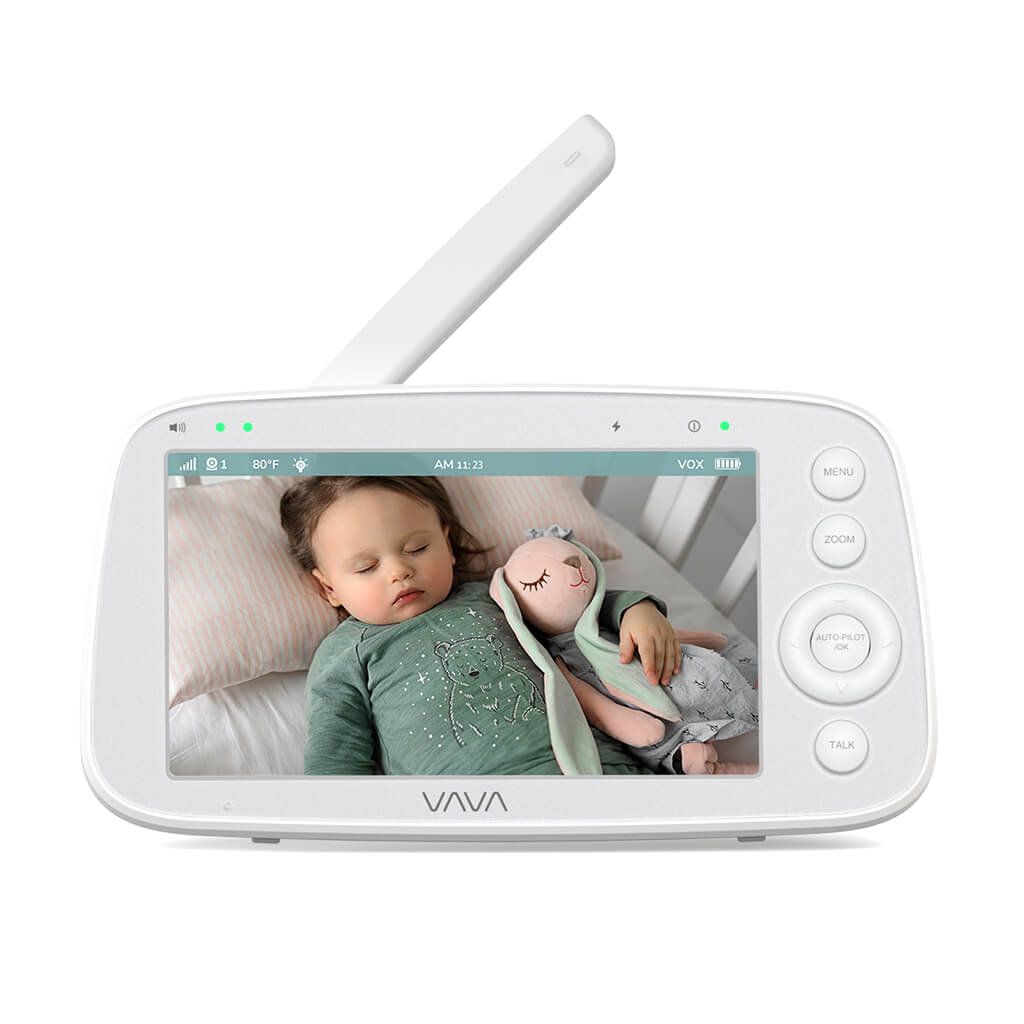
VAVA 5” Baby Monitor Parent Unit


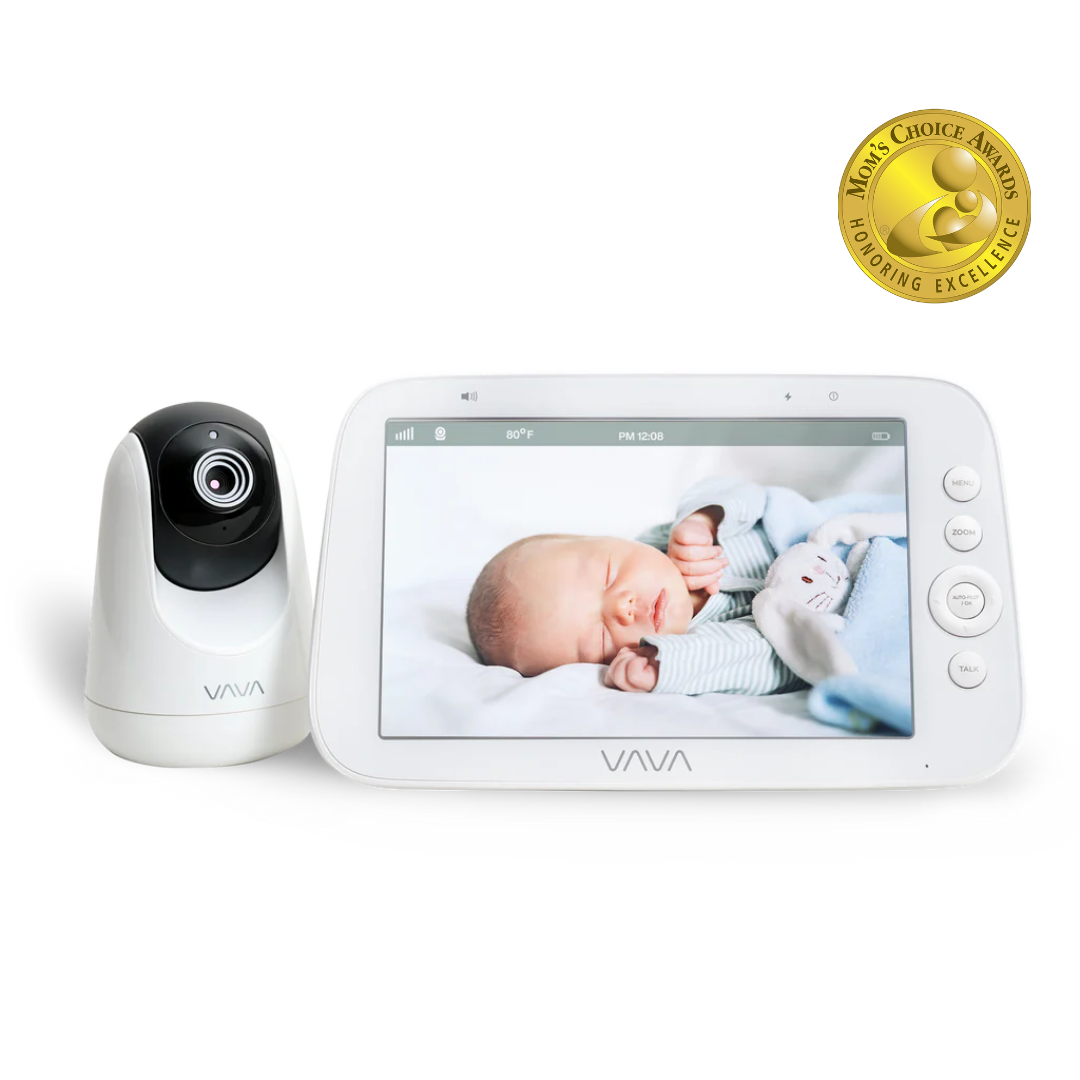
VAVA 720P Baby Monitor 10th Edition
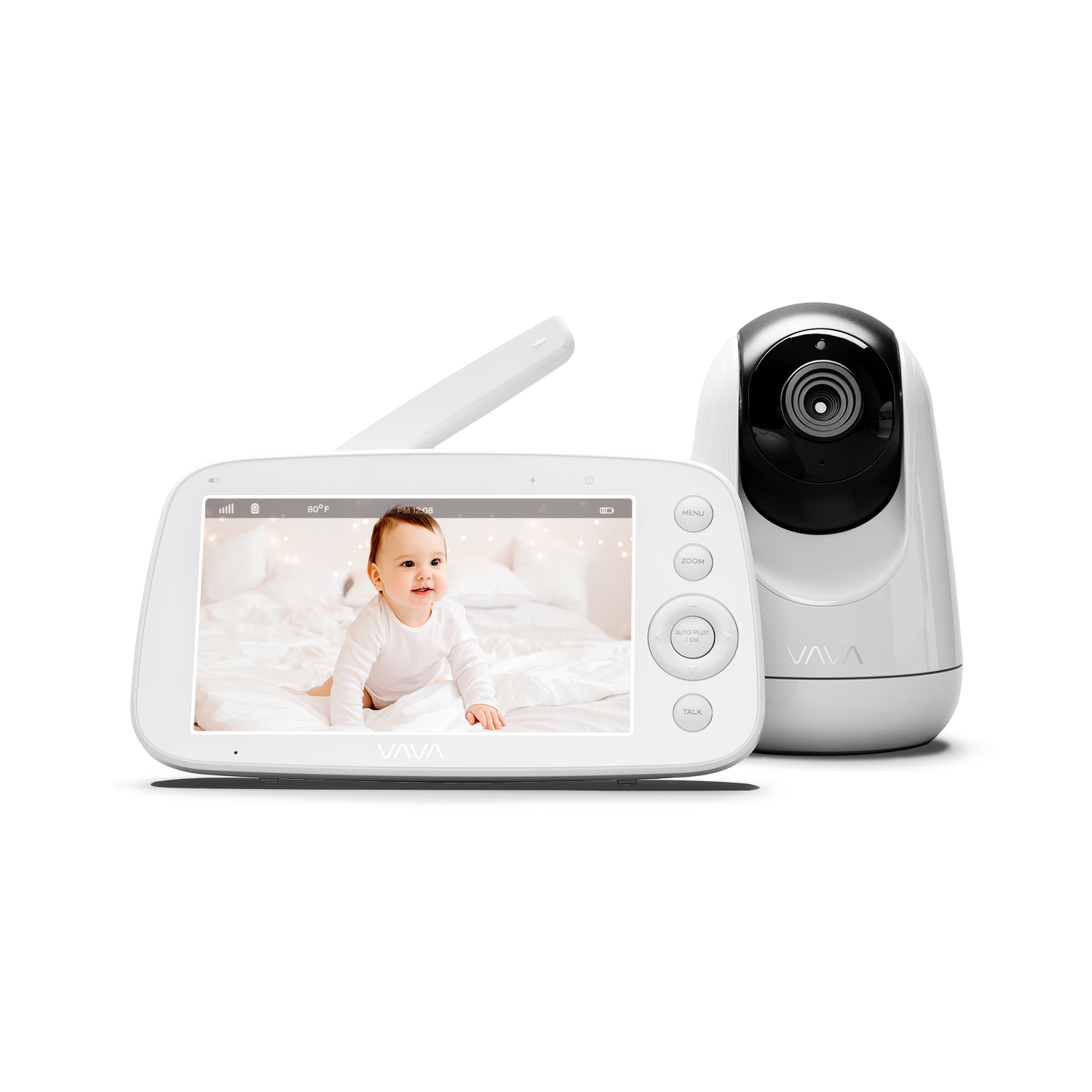
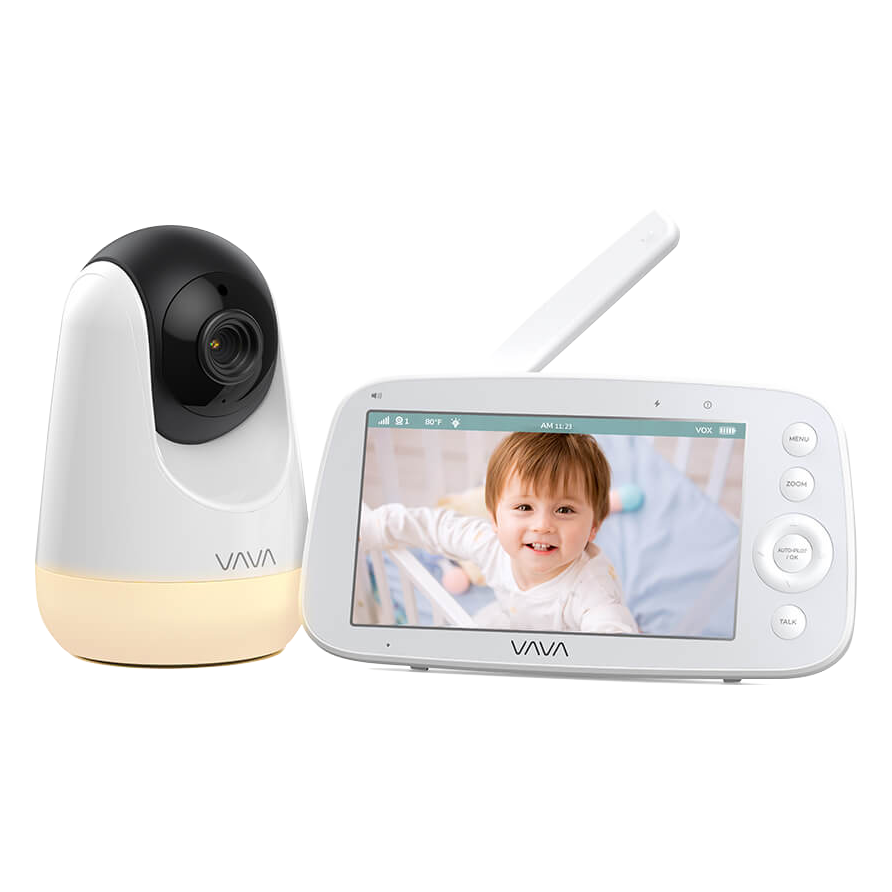
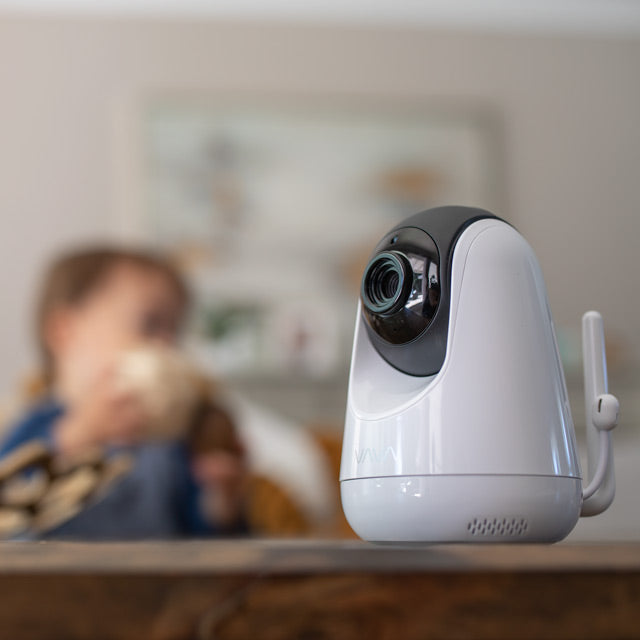
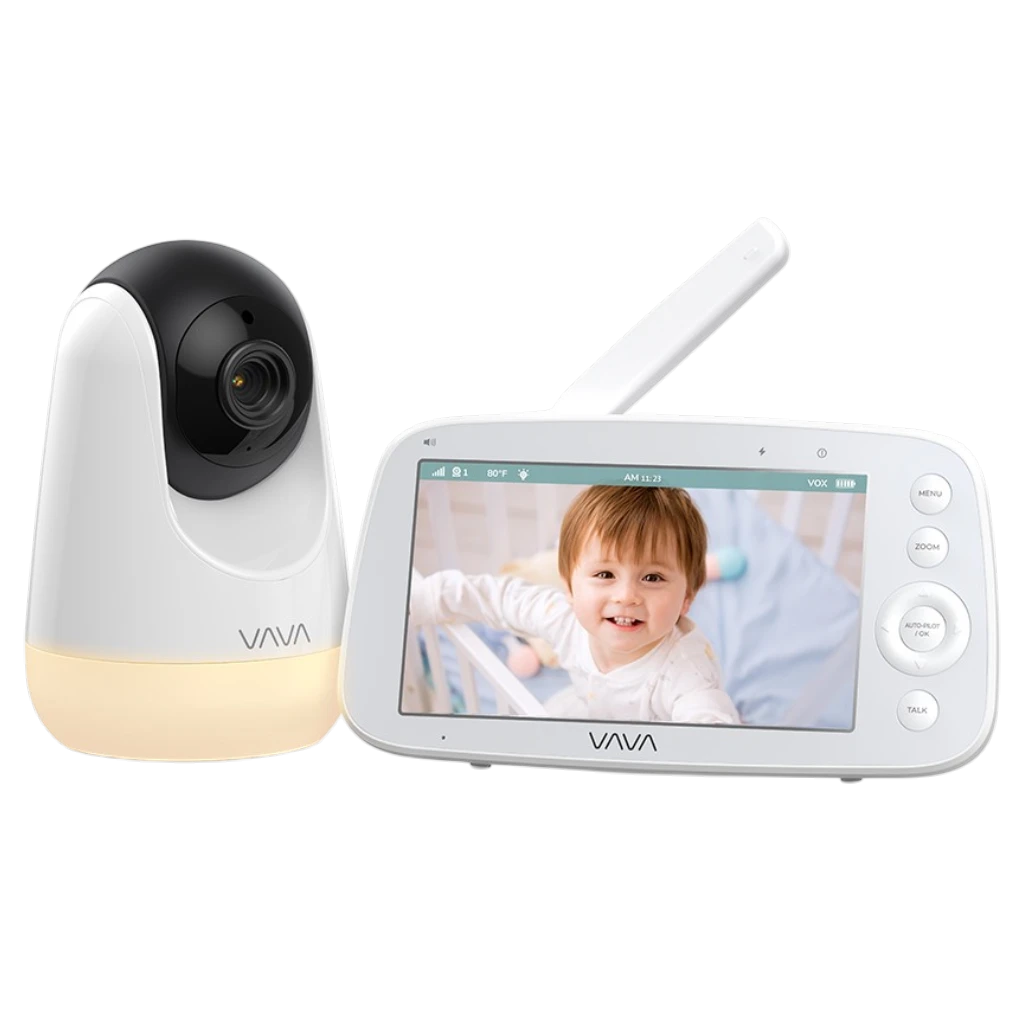
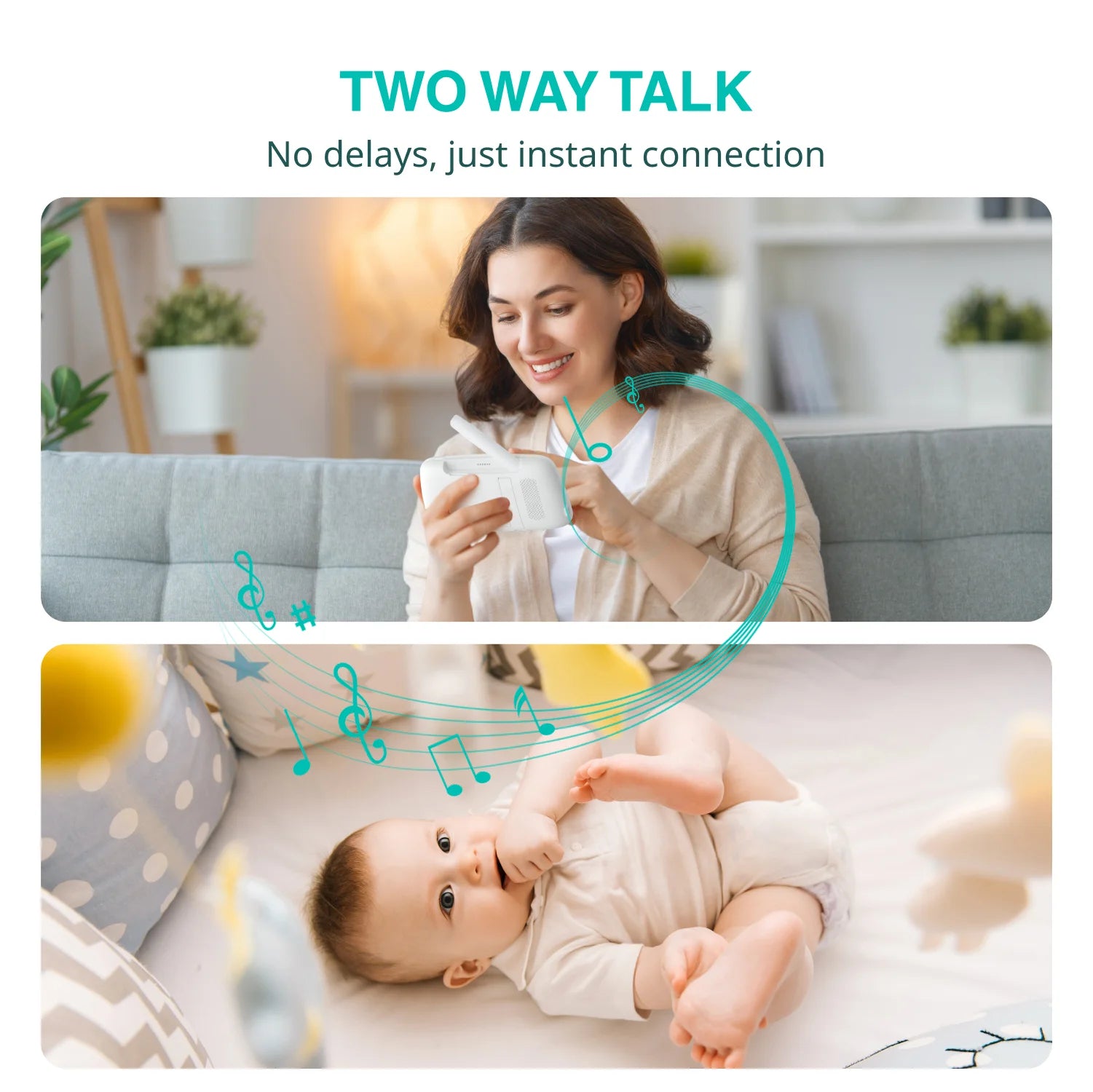
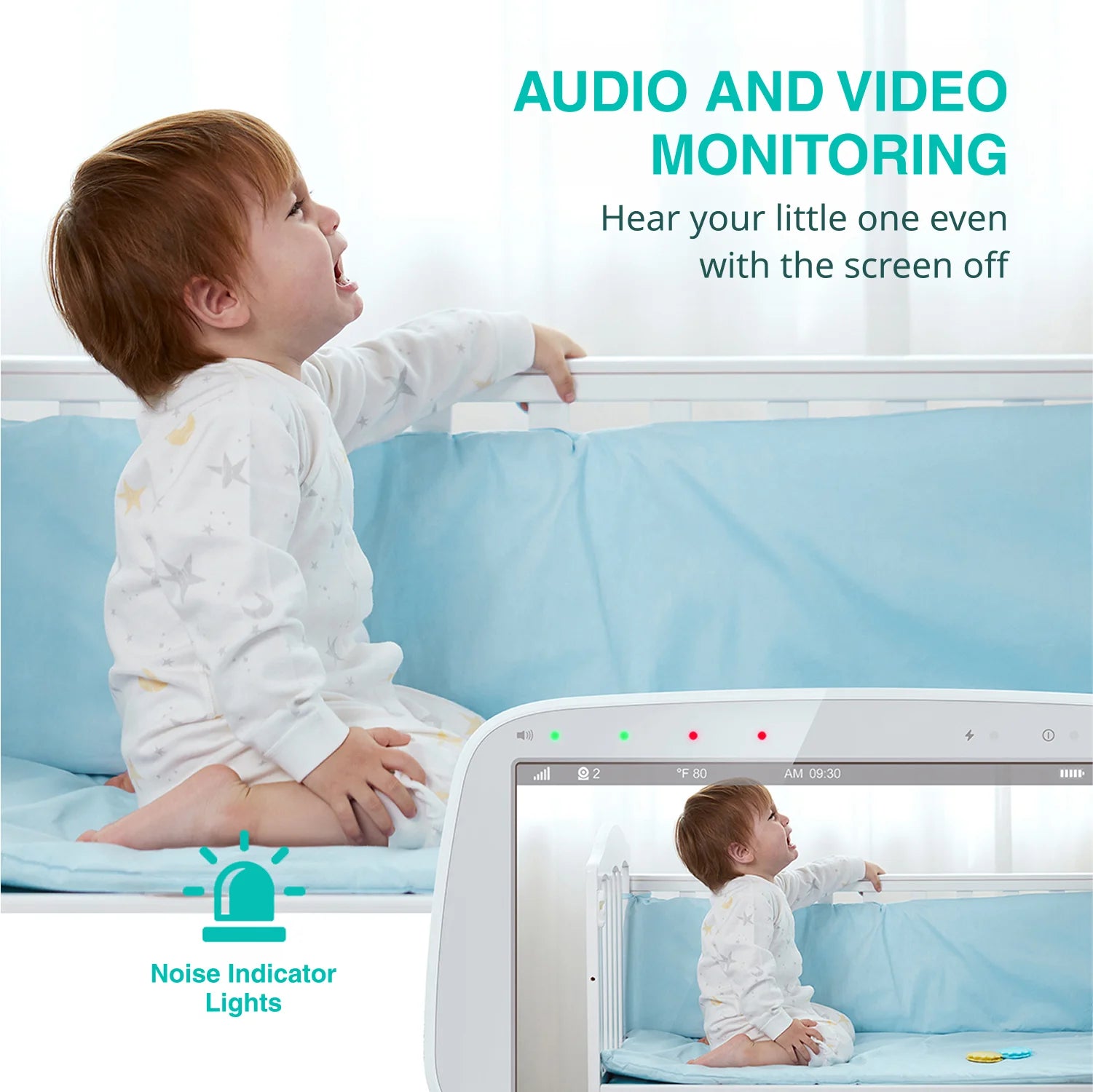
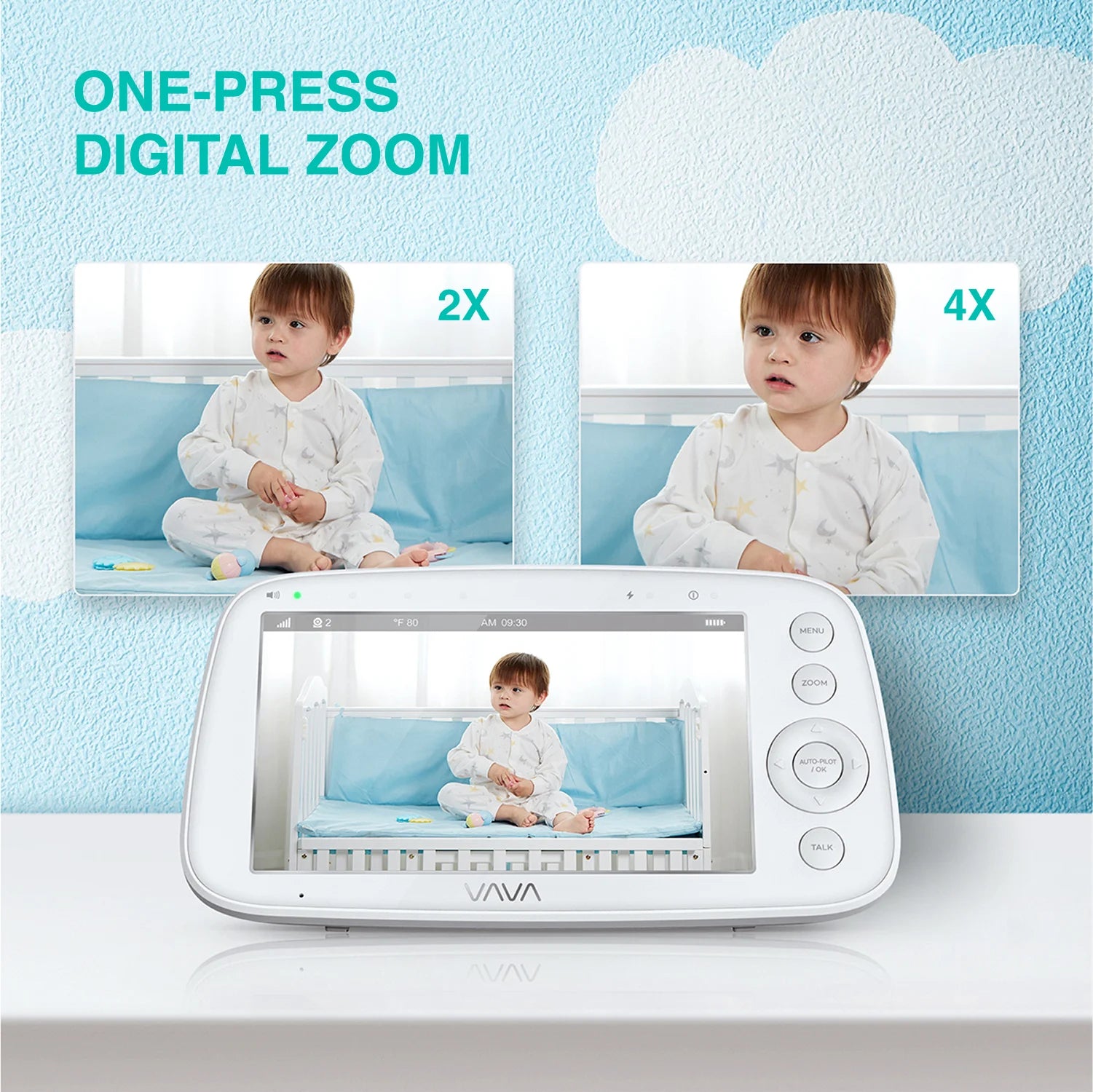
VAVA 720P Video Baby Monitor PRO
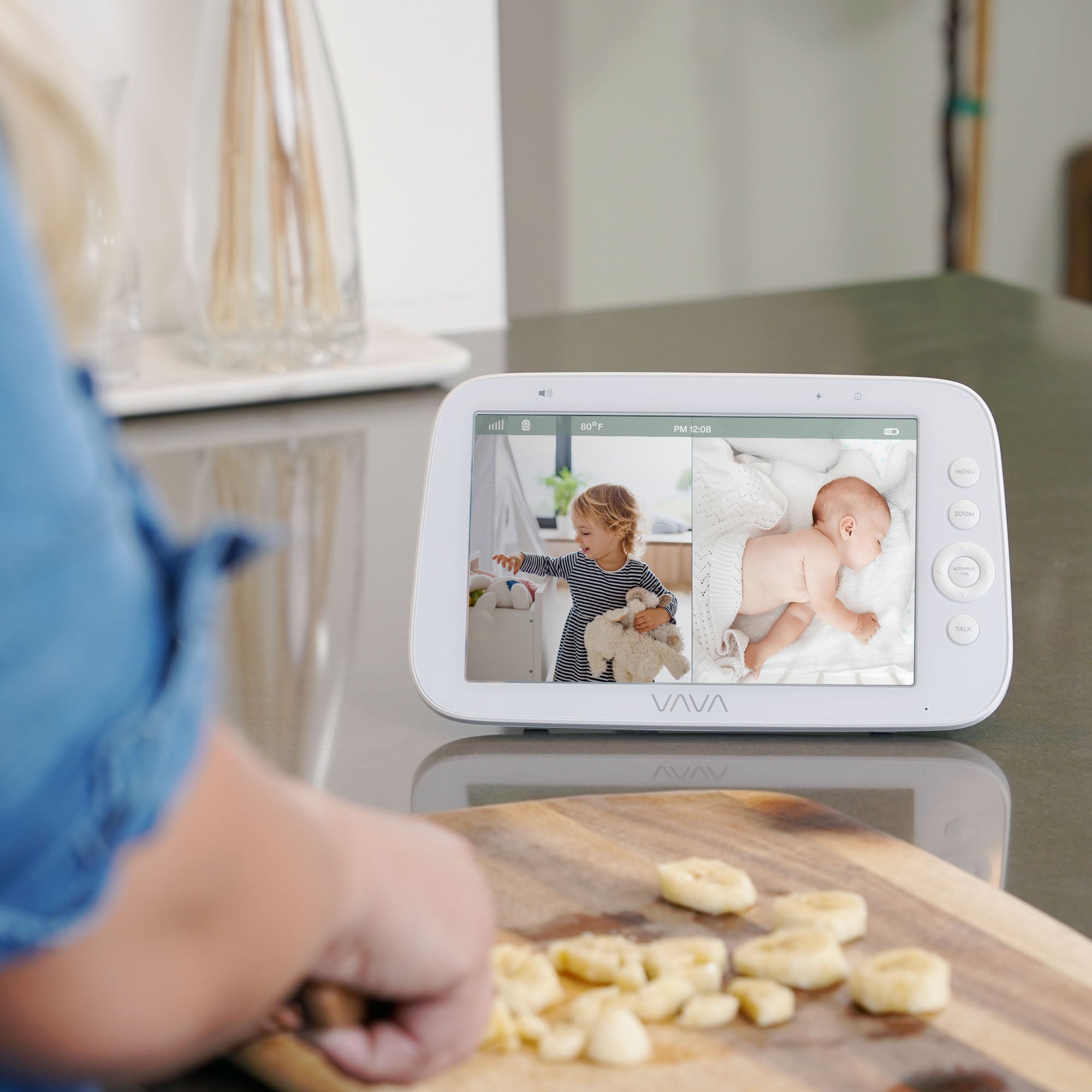
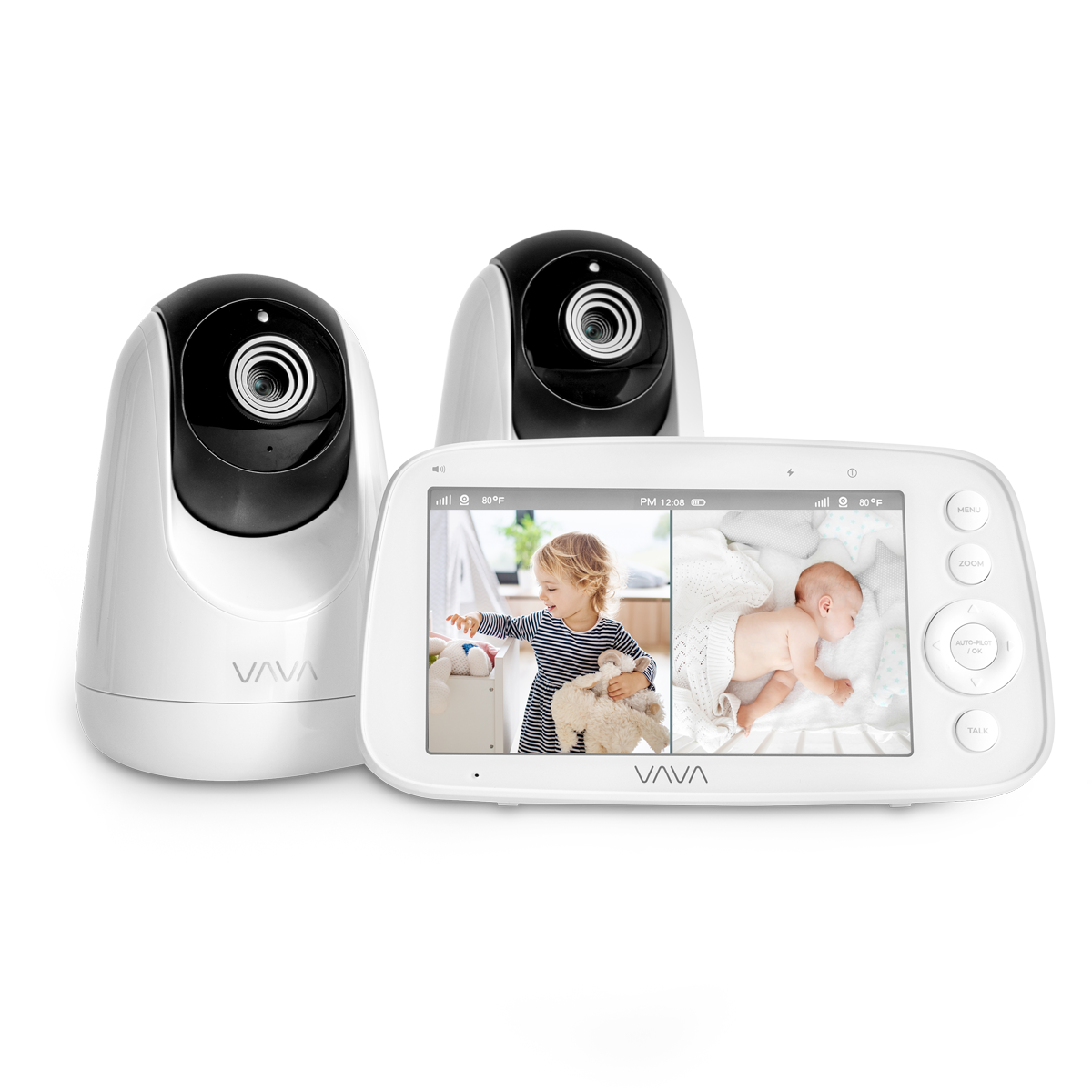
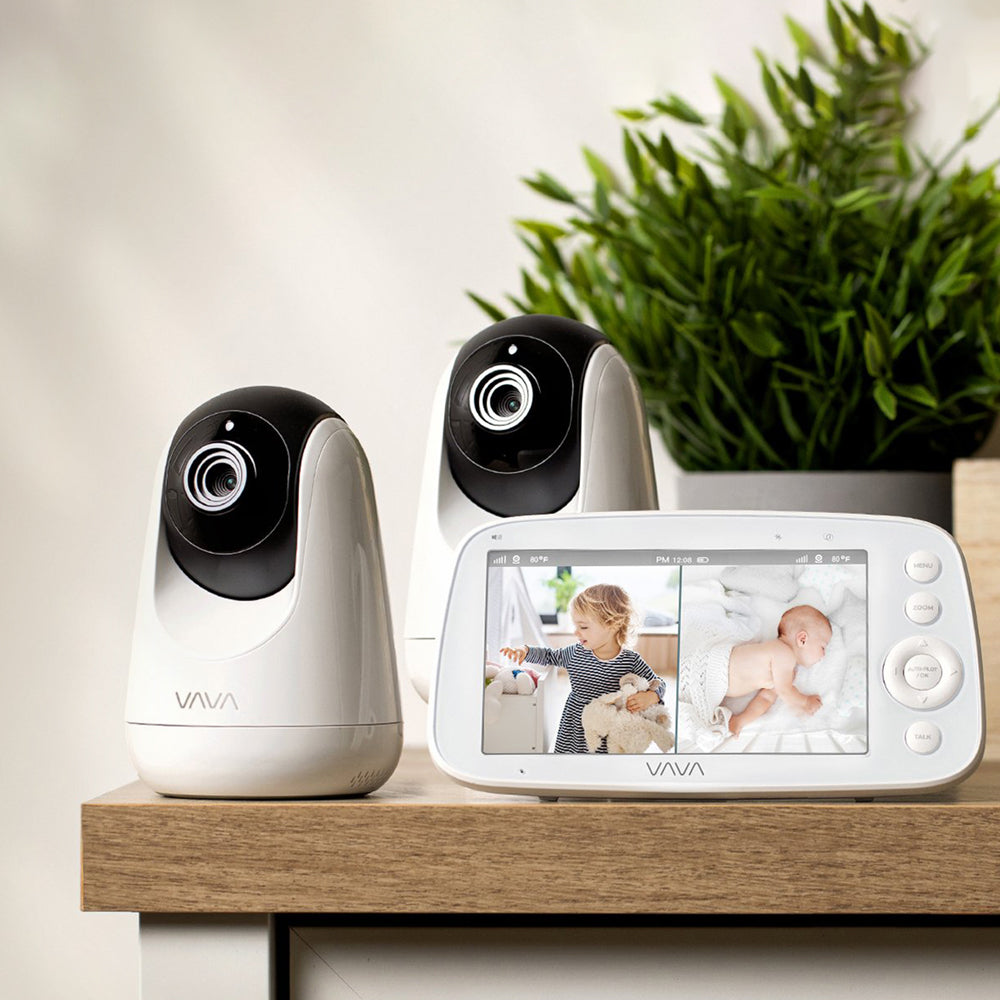
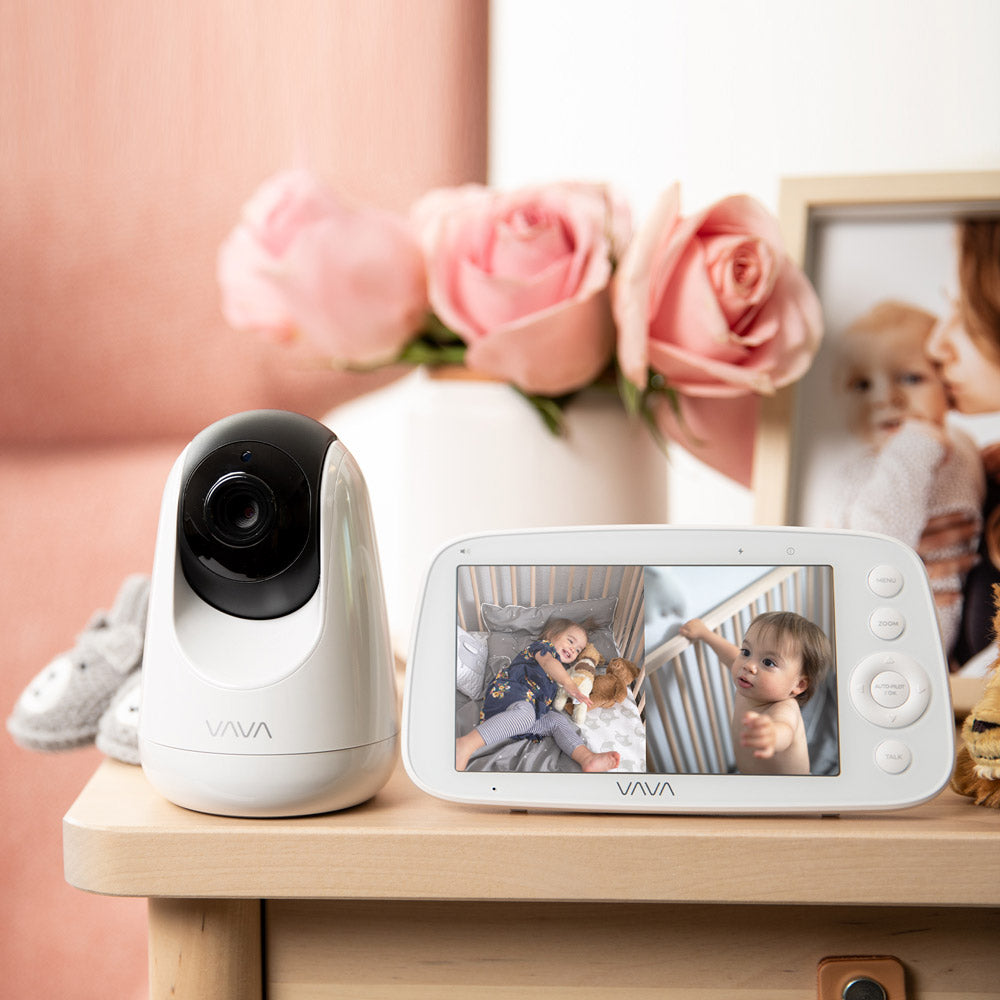
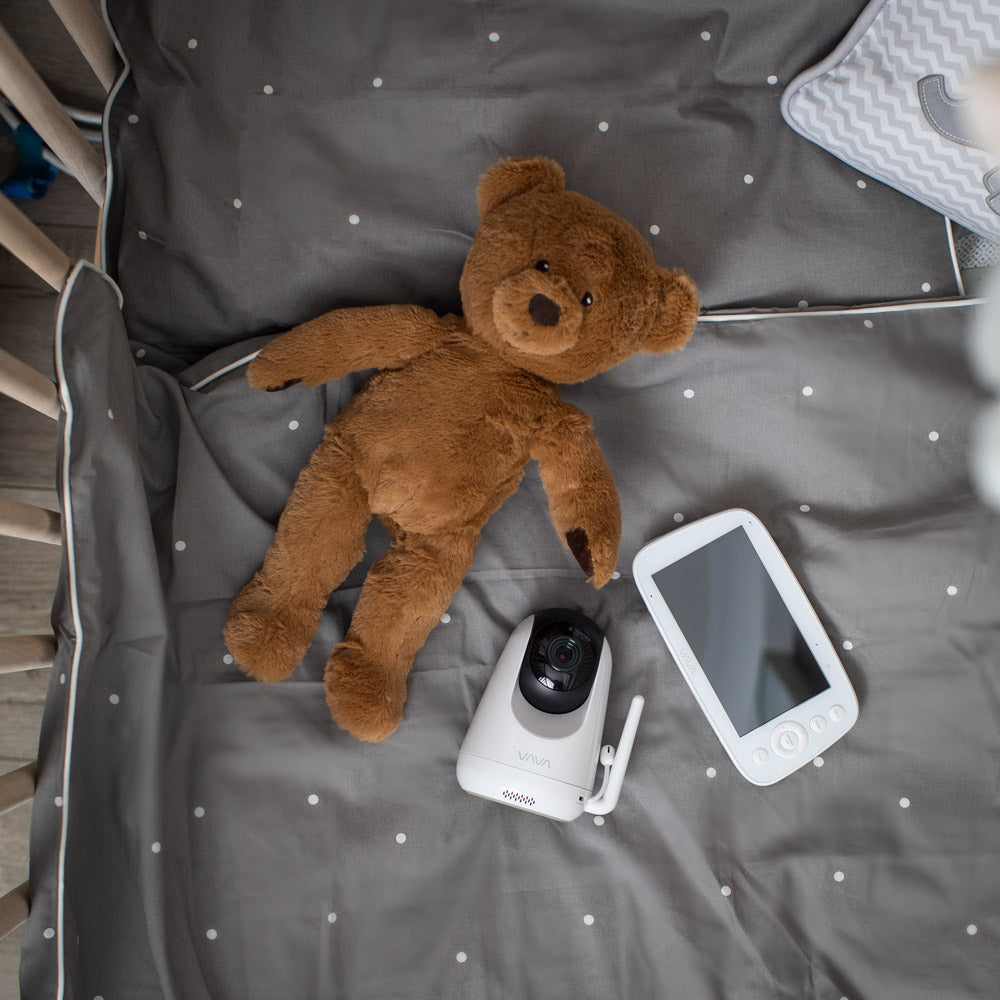
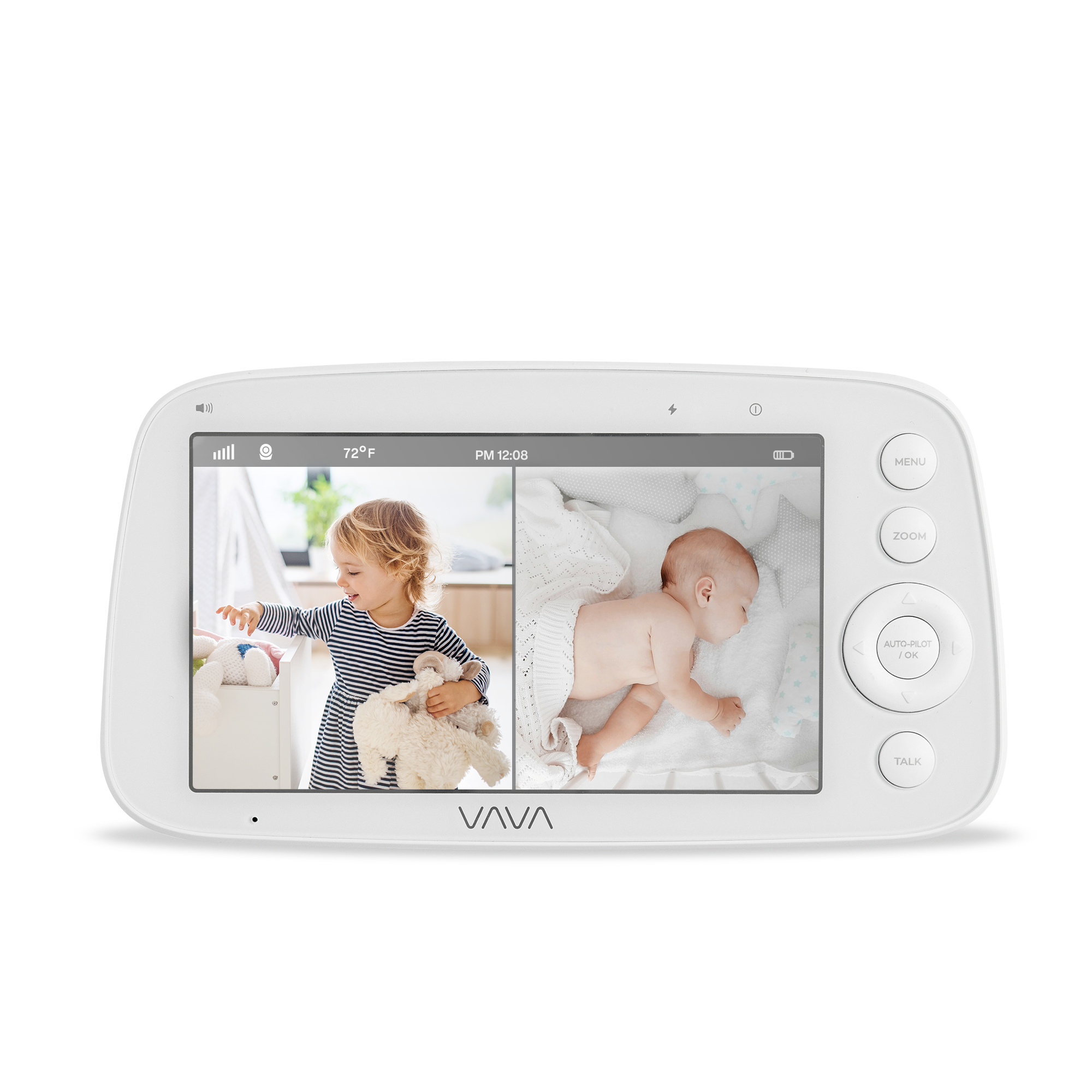
VAVA Baby Monitor with Split Screen
What Is a Non-WiFi Baby Monitor?
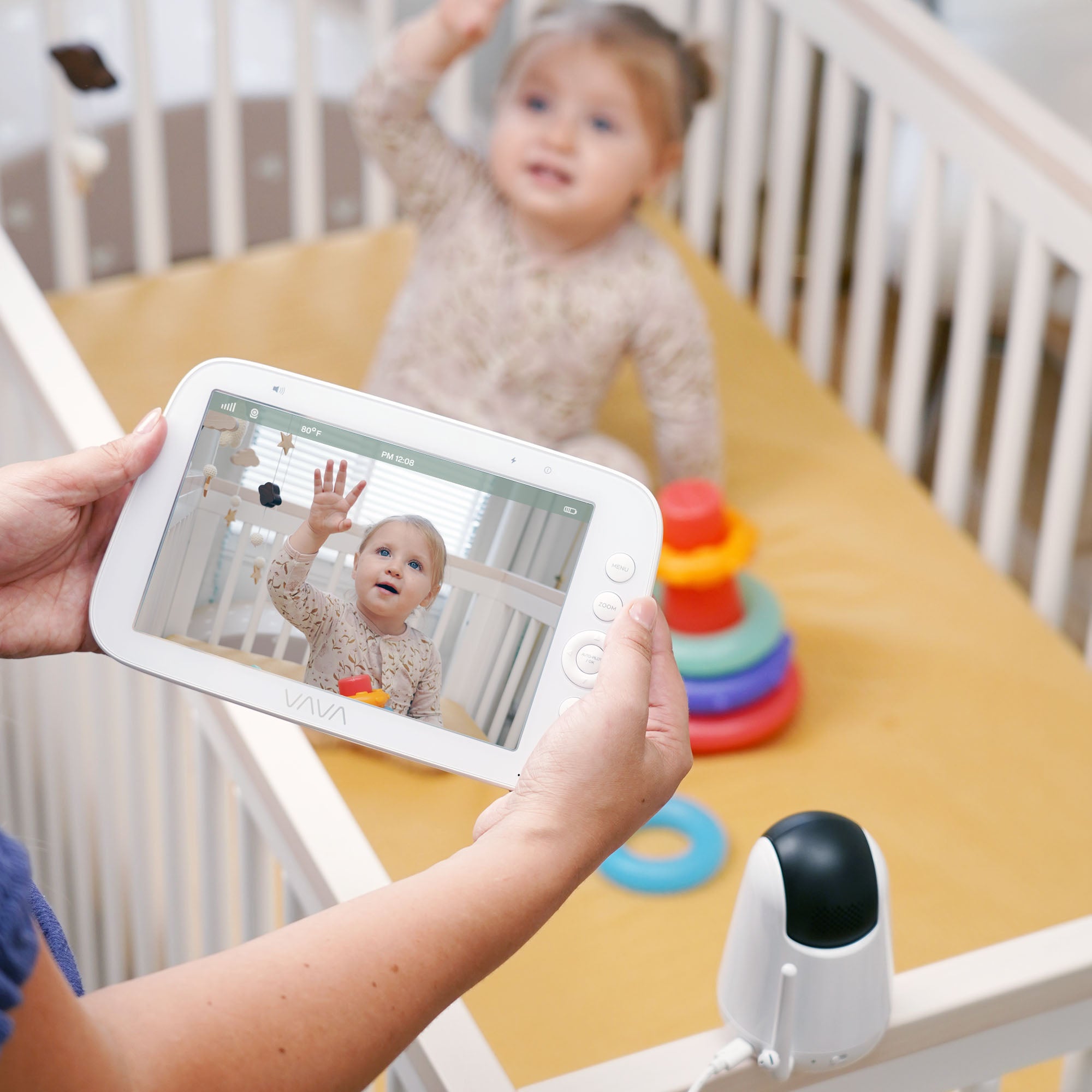
A non-WiFi baby monitor connects the camera directly to a dedicated parent unit using a private wireless signal. No home internet, app, or account is needed. Just turn it on and view the live feed on the handheld screen.
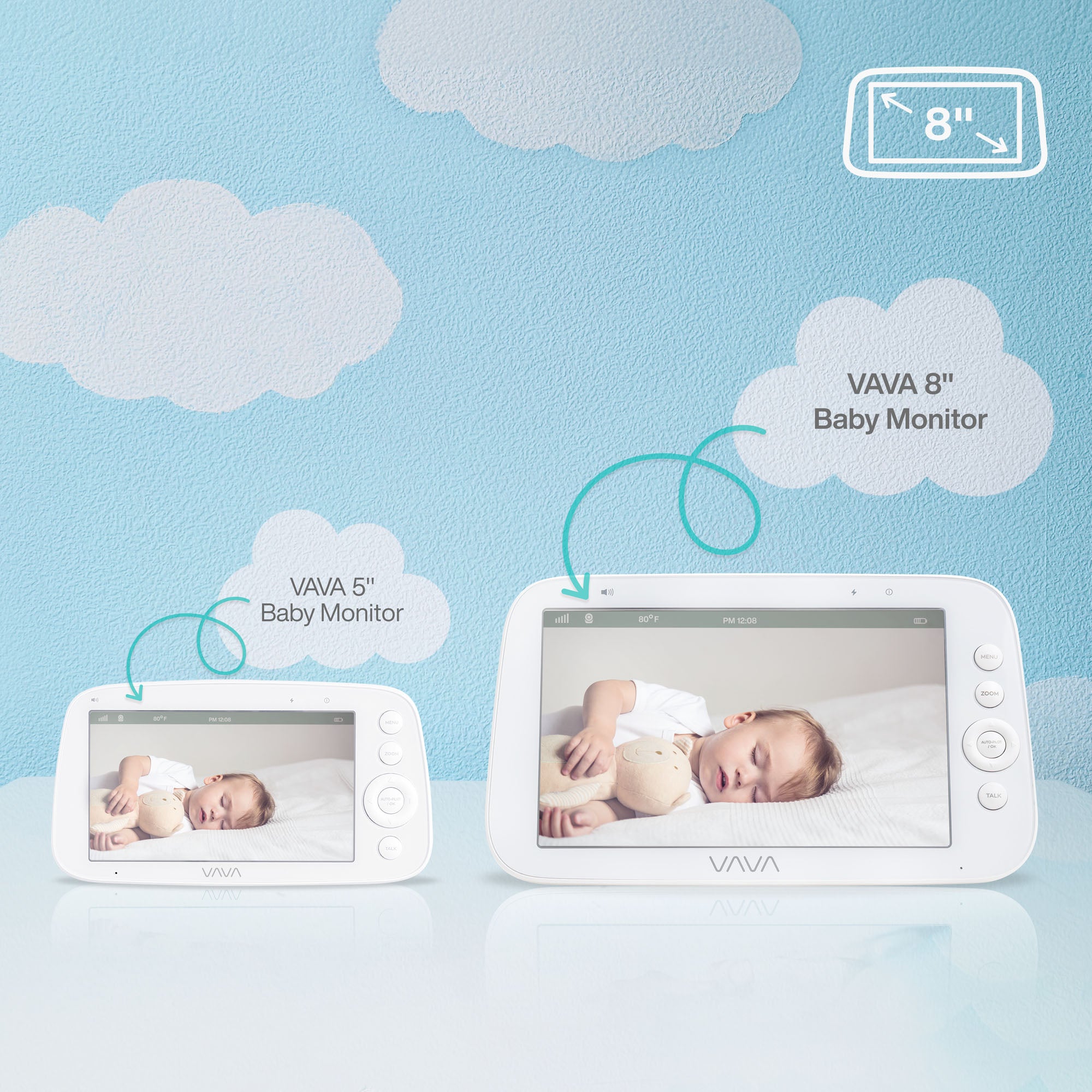
This collection includes six products: five complete monitor systems and one replacement parent unit. Options range from a 5" 720P everyday monitor to an 8" 1080P large-screen model, with a split screen option for families watching more than one room.
Why Choose a Non-WiFi Baby Monitor?
VAVA non-WiFi baby monitor fits naturally into daily life because it makes check-ins simpler throughout the day and night.
-
Quick Check-Ins
Keep the parent unit nearby for fast viewing during normal daily routines. -
Day and Night Use
A non-WiFi monitor is a practical fit for naps, overnight checks, and bedside viewing. -
Room-to-Room Use
It is easy to carry the screen around the house, so check-ins feel simpler as you move between rooms. -
Two-Room Monitoring
For families who need to watch more than one space, compatible options like Split Screen make that setup easier. -
Flexible Setup
It is also useful when visiting family or using the monitor somewhere outside your usual room setup.
VAVA’s non-WiFi collection is designed around the same core idea, but the models differ in screen size, picture detail, viewing mode, and expansion path. That is what really matters when you choose between them.
How to Choose the Right Model
Choose based on what matters most to you:
-
Clarity
Choose the VAVA 8" 1080P Baby Monitor if you want a larger screen and more picture detail at a glance. -
Balance
Choose the VAVA 720P Video Baby Monitor PRO if you want the most balanced option for daily monitoring, with smoother live viewing and longer battery life in a simple 5-inch setup. -
Practicality
Choose the VAVA 720P Video Baby Monitor if you want a straightforward 5-inch monitor for standard daily use. If you prefer the anniversary version of the same general format, choose the 720P Baby Monitor 10th Edition instead. -
Split View
Choose the VAVA Baby Monitor with Split Screen if you need to monitor two children, two rooms, or two spaces more easily from one screen. -
Replacement
Choose the VAVA 5" Baby Monitor Parent Unit only if you already use a compatible VAVA system and need another screen, not a full new monitor set.
Before buying extra cameras or replacement parts, check compatibility carefully. The 720P PRO, the classic 720P line, and the 8" 1080P line do not all follow the same accessory path.