

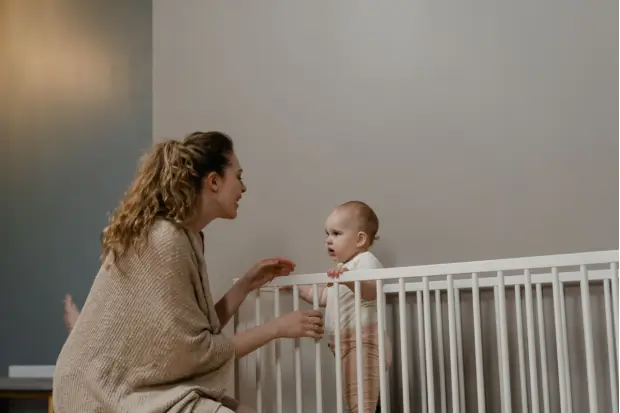
A small apartment can put the nursery only a few steps from the sofa, yet a closed door, white noise, and neighboring wireless networks may still make a baby monitor useful. In a multi level house, the bigger question is whether the signal can travel from the nursery to the kitchen downstairs, the basement laundry room, or the far end of the house.
For an apartment, look for a stable connection in a busy wireless environment and a parent unit that is easy to carry from room to room. For a multi level house, pay closer attention to indoor range through floors, walls, and the routes you use every day. Families watching two bedrooms or a nursery and playroom may also benefit from more than one camera.
The best choice is not determined by square footage alone. It is the monitor that stays clear and dependable between the baby's room and the places where the caregiver actually spends time.

What Matters Most in an Apartment or Multi Level House?
Picture a normal evening in your home. You are making dinner while your baby sleeps in the nursery. Your partner or another caregiver is folding laundry in a different room, and later one of you will carry the parent unit to the bedroom. The monitor needs to stay connected along those routes, not across an empty floor plan.
|
Home Setup |
Common Challenge |
What Usually Matters Most |
|---|---|---|
|
Apartment or single story home |
Neighboring networks, several walls, appliances, and background noise |
A steady room to room connection and a parent unit that stays close at hand |
|
Multi level house |
Floors, stairwells, long diagonal paths, insulation, brick, or concrete |
Reliable coverage on every floor and in the rooms used during naps and overnight |
|
Two children or two active rooms |
More than one place needs a view |
Compatible cameras and a parent unit that can show or switch between them easily |
An advertised range is useful for comparing models, but it is usually measured in open space. A real home adds doors, pipes, wiring, furniture, appliances, and other wireless devices. The final test is always the route inside your own home.

Do You Need a Baby Monitor in a Small Apartment?
You may be able to hear the baby from almost anywhere in a small apartment. That does not always tell you whether the baby has settled, rolled into a different position, dropped a pacifier, or is making a brief sound while still asleep.
A monitor becomes particularly helpful when you close the nursery door, use a fan or white noise, wear headphones while working, take a shower, sit on a balcony, or care for another child. Instead of opening the door whenever the room goes quiet, you can look at the screen and decide whether the baby needs you.
Ask what makes it difficult to check on your baby from the next room. If a closed door, fan, or white noise makes quiet sounds hard to hear, prioritize clear audio and visible sound indicators. If you work from home, a dedicated parent unit keeps the nursery view beside you without occupying your phone. Because the rooms are close together, you may benefit more from a steady everyday connection than from paying for the largest advertised range.

Is WiFi or Non WiFi Better for Your Home?
Both can work in an apartment or a larger house. The more useful question is where you want to see the baby and what you want the monitor to depend on.
|
Connection |
A Good Fit When |
Consider Before Choosing |
|---|---|---|
|
Non WiFi |
You want a dedicated screen, local viewing, simple setup, and no reliance on home internet |
The direct signal still needs to pass through the walls and floors between the camera and parent unit |
|
WiFi |
You want to view the camera on a phone or from outside the home |
Performance depends on router coverage, internet service, app access, updates, and account security |
|
Hybrid |
You want a parent unit at home and optional phone access |
Check which features continue to work if the internet or app is unavailable |
Why VAVA Non WiFi Monitoring Feels More Private and Reliable
VAVA sends the nursery video and audio directly from the camera to its dedicated parent unit over a local 2.4 GHz wireless connection. The feed does not need to pass through your home internet, an app account, or cloud storage before it reaches the screen in your hand.
Models such as the VAVA Baby Monitor with Split Screen use FHSS, which moves the signal between frequencies instead of leaving it on one fixed channel. This helps the camera and parent unit maintain a private local link and makes the feed more difficult for an unintended receiver to intercept.
That design removes several of the security steps that come with an internet connected camera. There is no baby monitor app password to share, no online viewing account to manage, and no nursery footage being uploaded to a cloud service for everyday viewing. Your router can restart or your internet service can go down without ending the direct connection between the VAVA camera and parent unit.
It is simpler during caregiver handoffs too. You can pass the screen to your partner, a grandparent, or a babysitter without giving anyone access to your phone or account. In an apartment, the parent unit can move from your desk to the kitchen counter and then to the bedside table. In a multi level house, it can follow whoever is responsible for the next check as they move between floors.
This local connection still has to travel through the walls and floors in your home, so indoor coverage should be tested along your normal routes. The difference is that daily viewing does not also depend on router coverage, internet service, phone permissions, or an app remaining available.
When WiFi Access May Still Matter
A WiFi monitor may fit a family that wants to check the camera away from home or allow access through a phone. Inside the house, however, the camera can only be as dependable as the network reaching its location.
If video already buffers in the nursery or the upstairs bedroom frequently loses WiFi, solve that coverage problem before expecting a WiFi camera to perform differently. A more central router position or a suitable mesh system may improve coverage. Connected cameras should also use a unique password, current software, and multifactor authentication when available.

How Do Walls and Floors Affect Baby Monitor Range?
Walls, floors, appliances, and nearby networks affect signal strength differently in every home. Drywall is generally easier for a signal to cross than brick, concrete, metal, or several dense layers together.
In an apartment, the camera and parent unit may be close but separated by a kitchen full of appliances or wireless traffic from neighboring units. In a multi level house, a short vertical distance may still send the signal through a floor, ductwork, pipes, and a wall along a diagonal path.
The weak area may be one end of the sofa, the laundry room with the door closed, or the corner of the bedroom where the parent unit charges overnight. Carrying the screen a few feet away from a large appliance or dense wall can sometimes change the result.
This is why a long range baby monitor should be judged by indoor performance, not only by the largest number on the box.
How Can You Test Coverage in Your Home?
Use the return period to recreate a real day. Place the camera where it gives the intended crib view, then take the parent unit everywhere it will actually go.
In an apartment, that may include the kitchen, bathroom, home office, balcony, and the caregiver's bedroom. In a multi level house, walk the stairs, pause in the basement laundry area, sit in the far bedroom, and step into the yard or garage if those are part of the routine.
Keep normal life running during the test. Close the doors you usually close. Turn on the television, microwave, router, Bluetooth devices, fan, and other equipment normally used during naps or bedtime. Let another person use the home network. Check the monitor both during the day and after night vision turns on.
Pay attention to the moments that would change what you do as a caregiver:
- Does the picture remain available along the full route?
- Can you hear quiet fussing from the rooms where you spend time?
- Do sound indicators and alerts remain noticeable?
- Can every caregiver understand the controls without searching through settings?
- Does the parent unit have enough battery for the way it moves through the day?
- Does it clearly tell you when the connection has been lost?
If one area is weak, change one thing and walk the route again. Moving the parent unit, adjusting the antenna, shifting the camera away from a dense obstruction, or changing a router position may show whether the problem belongs to the location or the system.
How Many Cameras Do You Need?
Home size does not decide camera count. The number of spaces you need to see does.
One camera is usually enough when the baby sleeps and naps in one room. The parent unit travels with the caregiver, so adding cameras to every floor is unnecessary.
A second camera makes sense when two spaces are actively used, such as two children's bedrooms, a nursery and playroom, or two useful angles in one large room. It adds another view. It does not strengthen a weak signal from the first camera.
|
Family Routine |
Practical Setup |
Why It Helps |
|---|---|---|
|
One baby and one sleep space |
One camera with a portable parent unit |
The view follows the caregiver without moving the camera |
|
Two children in separate rooms |
Two cameras with split screen or easy switching |
Both rooms remain available from one parent unit |
|
Nursery and play area used every day |
Two compatible cameras |
The family avoids moving and remounting one camera |
|
Several floors but only one room to watch |
One camera after a full coverage test |
Extra cameras are not needed merely because the house has more floors |
If your family may add a camera later, check compatibility before buying the first system. Add on cameras and parent units are not always interchangeable between model lines.

Where Should the Camera and Cord Go?
The best camera position gives you a useful view while keeping the entire device and cord beyond the baby's reach. The U.S. Consumer Product Safety Commission advises keeping baby monitor cords at least 3 feet from every part of the crib, bassinet, play yard, or other safe sleep space.
Choose a stable surface or an approved mount. Secure the full cord rather than leaving a loose section near the floor or furniture. Do not place the camera inside the crib, attach it to a crib rail, or cover it with fabric.
Then look ahead a few months. A cord that is unreachable when the mattress is high may become accessible after the mattress is lowered or the child learns to stand. Check the setup again as the baby grows and whenever furniture moves.
Apartment rooms sometimes invite parents to squeeze the camera between the crib and a nearby wall. A tight room does not reduce the safety distance. In a larger nursery, extra space can make placement easier, but a long loose cord still needs to be secured.
The guide to baby monitor placement can help you balance the crib view, camera angle, power access, and cord safety in the room you have.
Which VAVA Setup Fits Your Home?
The clearest difference is simple. Choose the PRO for one main nursery. Choose Split Screen when you want two rooms or two children visible at the same time.
|
VAVA Monitor |
Best Fit |
What It Changes in Daily Life |
|---|---|---|
|
VAVA 720P Video Baby Monitor PRO |
One main nursery in an apartment or larger home |
A portable 5 inch screen, more than 24 hours of parent unit battery, and no need to use your phone or home WiFi |
|
VAVA Baby Monitor with Split Screen |
Two children, two rooms, or two useful camera angles |
Two cameras are included, and both live views can appear together on one parent unit |
One Nursery in an Apartment or Larger Home
The VAVA 720P Video Baby Monitor PRO gives you a dedicated 5 inch 720P view of the nursery without relying on home WiFi or a phone app. You can leave your phone free for work, calls, or music while the baby's picture stays on its own screen.
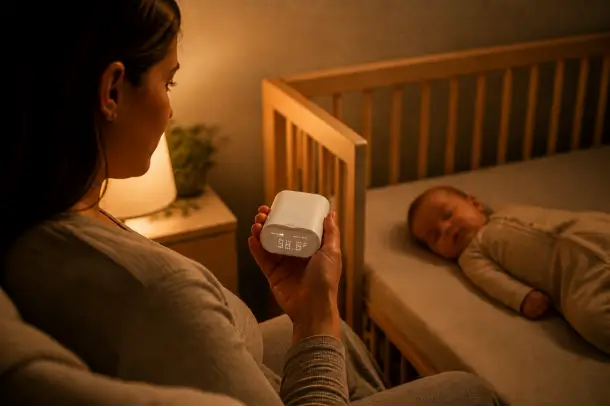
The parent unit provides more than 24 hours of battery use, so it can move from your desk to the kitchen and then to the bedside table without needing to return to the charger every few hours. Pan, tilt, zoom, night vision, two way talk, and room temperature monitoring also let you see more of the nursery and respond without walking back to the room for every small sound.
Two Rooms or Two Children
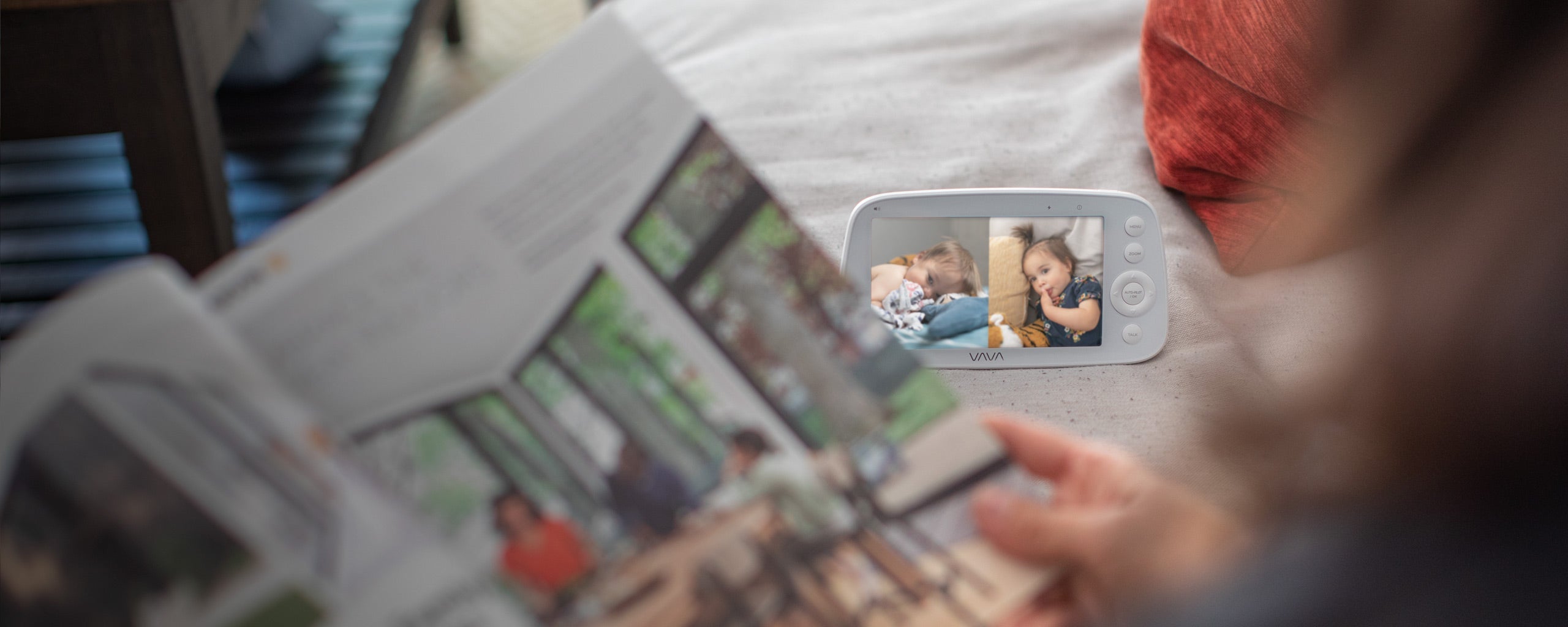
The VAVA Baby Monitor with Split Screen arrives with two cameras and shows both live feeds on one parent unit. You do not need to buy the second camera separately or keep switching away from one child to see the other.
In an apartment, you might use one camera for the baby's room and the other for an older child's room. In a multi level house, one camera can stay upstairs in the nursery while the other covers a downstairs play area. At bedtime, two siblings in separate rooms can remain visible on the same screen.
The parent unit lasts up to 10 hours with live video and up to 18 hours in audio only mode. Sound indicator lights can draw your attention even when the volume is low, and night vision keeps both rooms visible after the lights go out. The system can support up to four compatible cameras if your family later adds another room to the routine.
Choosing Between the Two
The PRO keeps one nursery view simple and gives the parent unit longer battery life. Split Screen gives you two cameras and two simultaneous views from the beginning. Neither setup needs home WiFi or a phone app for everyday viewing.
VAVA monitor systems use model specific cameras and replacement parts. If you plan to add a camera later, choose one listed as compatible with the model you own. You can compare the current systems in the VAVA baby monitor collection.

What Should You Remember Before Buying?
An apartment does not automatically need a short range monitor, and a large house does not automatically need the model with the biggest advertised number. Both homes can contain difficult walls, crowded signals, and one stubborn corner where the parent unit loses connection.
Think through an ordinary day. Decide where the baby sleeps, where the caregiver goes, and whether one or two spaces need a view. Choose WiFi or a dedicated parent unit according to how you want to check in. Keep the camera and cord safely outside the baby's reach, then walk every important route while normal household devices are running.
Choose the monitor that stays connected along the routes you use, shows the rooms you need, and fits safely in the nursery.
FAQs
1. Do I need a baby monitor in a small apartment?
Not always. It becomes useful when closed doors, white noise, headphones, showers, balcony time, work, or another child make direct hearing and frequent checks less practical.
2. Is WiFi or non WiFi better in an apartment?
Either can work. A non WiFi monitor suits families who want a dedicated local screen without depending on home internet. A WiFi monitor suits families who want phone or remote access. The better choice is the one that remains dependable in the apartment's actual wireless environment.
3. What is the best baby monitor for a multi story home?
Choose a monitor that maintains clear audio, video, and alerts between the nursery and every floor you regularly use. Test the kitchen, bedrooms, basement, laundry area, garage, and yard rather than relying only on an open space range claim.
4. Can a second camera improve the range?
No. A second camera adds another view. It does not strengthen the connection between the first camera and its parent unit or router.
5. Where should I carry the parent unit during testing?
Take it through the same day you expect it to follow later. Pause where you cook, work, shower, do laundry, sleep, and spend time outside. Close normal doors and keep everyday devices running.
6. Can a baby monitor replace checking on the baby?
No. A monitor helps a caregiver see and hear the baby from another room. Safe sleep practices, direct care, and medical advice still apply.
Share: