

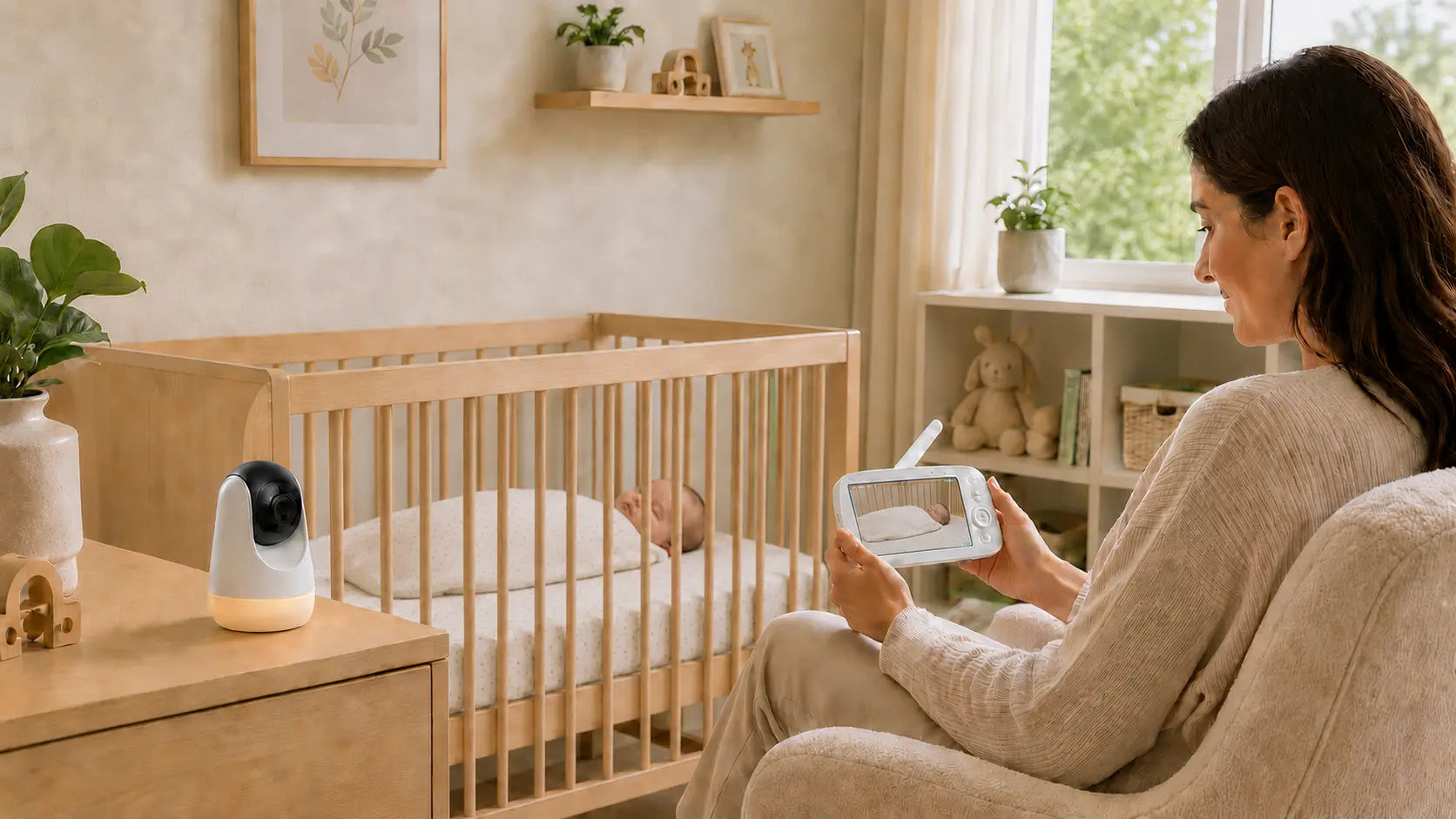
Baby monitors can often reach about 900 to 1,000 feet in open space, or around 300 meters in ideal line-of-sight conditions. Inside a real home, the range is usually shorter because walls, floors, stairs, appliances, mirrors, and metal can weaken the signal.
For most parents, the useful question is not the longest number on the box. It is whether the baby monitor stays connected from the nursery to the bedroom, kitchen, living room, home office, or another nearby spot where you check on your baby. This guide explains what those range numbers mean, what can interfere with the signal, and how to set up your monitor for more reliable daily use.

How Far Do Baby Monitors Reach in Real Homes?
Baby monitor range depends on both the testing condition and your home layout. Open-space range shows what the monitor can do with very few barriers. Indoor range shows what matters once the signal has to move through walls, floors, furniture, and appliances.
Open-Space Range
Open-space range is the best-case number. It means the camera and parent unit are tested with a clear path between them, without thick walls, floors, furniture, or appliances blocking the signal.
This is why many baby monitors list a range near 900 to 1,000 feet, or about 300 meters. That number is useful, but it should not be read as a promise that the monitor will reach the same distance indoors.
Indoor Range
Indoor range is the distance you are more likely to notice day to day. For many homes, a realistic indoor range is often closer to 150 to 300 feet, depending on the layout and building materials.
A small apartment may work well from room to room. A larger two-story home, basement nursery, concrete wall, metal framing, or thick exterior wall can reduce usable range.

What Can Reduce Baby Monitor Range at Home?
Baby monitor range can drop for two main reasons: connection type and home layout. Connection type decides what the monitor depends on. Home layout decides what the signal has to pass through.
A Wi-Fi monitor can be affected by router strength, internet speed, app loading, and other connected devices. A non-WiFi baby monitor avoids those network steps, but walls, floors, appliances, and metal can still weaken the local signal.
Wi-Fi vs Non-WiFi Range Factors
Wi-Fi monitors depend on your home network. If the nursery is far from the router, the Wi-Fi signal is weak, the app is slow to load, or too many devices are online, the video may lag, freeze, or disconnect.
Non-WiFi parent-unit monitors work differently. The camera sends video directly to the parent screen, so you do not need to open an app, wait for your phone to load the video, or rely on your home internet for daily checks.
For VAVA's non-WiFi monitors, this means the range question is easier to test in real life. Put the camera in the nursery, carry the parent unit to the bedroom, kitchen, living room, stairs, or home office, and see where the connection stays clear. If it works in the places you actually use, the range is doing its job.
Walls, Floors, and Stairs
These affect both Wi-Fi and non-WiFi monitors because all wireless signals have to move through the home.
Drywall may not cause much trouble, but concrete, brick, tile, metal framing, and thick exterior walls can weaken the signal faster. Stairs and multiple floors can also reduce range because the signal has to pass through more structure.
This is why a monitor may work well in a same-floor bedroom but struggle from a basement nursery to an upstairs room.
Metal, Mirrors, and Large Appliances
These can also affect both Wi-Fi and non-WiFi monitors, especially when they sit between the nursery and the place where you carry the parent unit.
Metal can block or reflect wireless signals. Large mirrors, metal shelves, metal cabinets, refrigerators, ovens, washing machines, and dryers can all create weaker spots.
The confusing part is that the distance may look short. A parent unit on the kitchen counter might be close to the nursery, but if a refrigerator or metal cabinet sits in the signal path, the connection may still drop.
Crowded Wireless Areas
This issue affects Wi-Fi monitors more, but it can add general signal noise for other wireless devices too.
Routers, Bluetooth speakers, cordless devices, tablets, phones, nearby monitors, and other connected devices can all make the wireless environment busier. With a Wi-Fi monitor, this may show up as video lag, app loading delays, or a weaker stream.
With a non-WiFi parent-unit monitor, the bigger issue is usually the local signal path: how many walls, floors, appliances, or metal objects sit between the camera and the screen.

How Can You Improve Baby Monitor Range?
You can often improve baby monitor range with small setup changes. Start with camera placement, parent-unit placement, and a quick walk-test before assuming the monitor is the problem.
Place the Camera Safely With a Clear Signal Path
Place the camera where it has a clear view of the crib and a cleaner path into the room. Avoid hiding it behind furniture, setting it low behind a shelf edge, or placing it near large metal objects.
Safety still comes first. Keep the camera and all cords out of your baby's reach, and do not place the camera inside the crib.
Keep the Parent Unit Away From Barriers
Move the parent unit away from thick walls, large appliances, mirrors, metal shelves, and metal cabinets when possible. Sometimes a few feet is enough to change the signal path.
For example, if the screen drops signal on a kitchen counter beside the refrigerator, try moving it to a nearby table. The distance may not change much, but the signal may have fewer obstacles.
Raise the Antenna if Your Monitor Has One
If your monitor has an adjustable antenna, raise it before testing range. For VAVA portable baby monitors, keeping the camera antenna at about 90 degrees helps support the strongest wireless connection and longest possible range.
This is a simple check, but it is easy to miss. If the antenna is folded down or blocked, the monitor may not perform as well as it can.
Walk-Test Bedrooms, Living Areas, and Nearby Spots
After placing the camera, carry the parent unit through the places where you actually use it. Check the bedroom, kitchen, living room, home office, laundry area, stairs, and any nearby porch or patio where you may briefly sit with the screen.
Do this before the first overnight use. You want to know where the monitor works well, where the signal weakens, and which spots to avoid when your baby is sleeping.
If you use a Wi-Fi monitor, also check the nursery's Wi-Fi strength. If you use a portable baby monitor with a dedicated parent unit, focus on the local path between the camera and the screen.

What Range Features Should Parents Check Before Buying?
Before you choose a baby monitor, look at the range features that affect daily use. The biggest number is helpful, but it is not the only thing that matters once you start carrying the parent unit around the house.
Open-Space Range Claim
Check the open-space range first, but read it as a best-case number. A monitor that lists about 900 to 1,000 feet, or around 300 meters, is usually describing open, line-of-sight conditions.
That number helps you compare monitors, but your home layout will decide the real result. A smaller home may not need the longest range claim. A larger home, two-story layout, or basement nursery may need more room-to-room testing.
Out-of-Range Alert
An out-of-range alert is useful because it tells you when the parent unit has moved too far from the camera or the signal path is blocked.
Without an alert, you may not notice a weak connection right away. With one, you get a clearer warning before you rely on the monitor from the wrong spot.
Parent Unit Battery Life
Battery life matters because a portable screen only helps if it can stay with you. If the parent unit has to stay plugged in most of the time, your real monitoring range becomes much smaller.
Look for a battery that can handle your normal routine, such as naps, evening checks, or overnight use. VAVA 720P Video Baby Monitor PRO and 8-inch 1080P models are good examples of parent-unit monitors where battery life supports longer daily use, instead of tying the screen to one outlet.
Portability and Multi-Camera Support
Portability matters if you move between rooms while your baby sleeps. A parent unit should be easy to carry from the bedroom to the kitchen, living room, home office, laundry area, or a nearby porch.
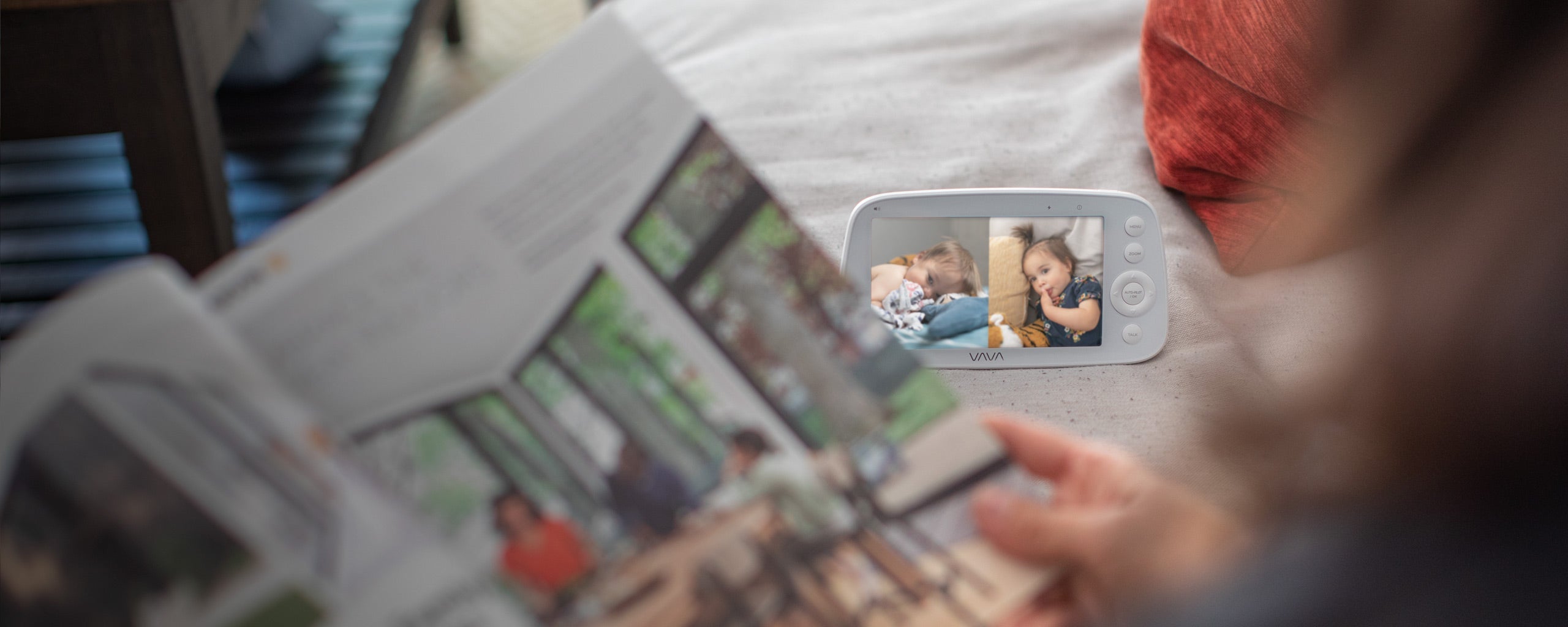
Multi-camera support matters if you need to watch more than one space. For example, you may want one camera in the nursery and another in a play area, or two views for two children. If this matters to you, check compatibility before buying extra cameras because add-on cameras are often model-specific.
VAVA's split-screen baby monitor and multi-camera options fit families who need more than one view from a dedicated parent unit. If you only need one crib view, a single-camera setup may be enough.

Conclusion
Baby monitor range is not just about the biggest number listed in open-space testing. What matters more is whether the monitor works through your real home: from the nursery to the bedroom, kitchen, living room, stairs, home office, or the nearby spots where you actually carry the parent unit.
Before you rely on a monitor overnight, place the camera where it will stay and walk-test the parent unit through your normal routine. If the signal drops, small setup changes often help: move the screen away from appliances, avoid metal barriers, raise the antenna if your monitor has one, and test again.
For parents who prefer a dedicated screen over an app-based setup, VAVA non-WiFi baby monitors are built around private local connection, portable parent units, and room-to-room viewing. If you need to watch more than one space, split-screen and multi-camera options can also make daily monitoring easier.
FAQs
1. Can a Baby Monitor Work Through Two Floors?
Yes, a baby monitor can work through two floors, but the result depends on the house. Drywall and wood framing are usually easier for a signal than concrete, brick, tile, metal framing, or thick exterior walls.
If your nursery is upstairs or downstairs, test the parent unit from the rooms where you spend the most time before using it overnight.
2. Does a Non-WiFi Baby Monitor Need a Router?
No. A non-WiFi parent-unit monitor does not need a router for daily viewing because the camera sends video directly to the parent screen.
That is one reason many parents choose this type of monitor. You can check the nursery without opening an app, logging into an account, or relying on your home internet.
3. Will a Baby Monitor Still Work if the Wi-Fi Goes Out?
A Wi-Fi baby monitor may lose app viewing if the internet or router goes down. A non-WiFi parent-unit monitor can still work because it uses a local connection between the camera and the screen.
Power still matters, though. If your camera or parent unit loses power, the monitor will not work normally.
4. What Does "Out of Range" Mean on a Baby Monitor?
"Out of range" means the parent unit is too far from the camera, or the signal path is blocked by walls, floors, appliances, metal, or other barriers.
If this happens, move the parent unit closer, try a different room, raise the antenna if your model has one, or move the screen away from large appliances and metal objects.
5. Is a Longer Baby Monitor Range Always Better?
Not always. A long open-space range can be helpful, but it does not guarantee better performance inside every home.
A smaller home may not need the longest range claim. For daily use, battery life, out-of-range alerts, parent-unit portability, and a stable signal in your actual rooms may matter more.
Share: