

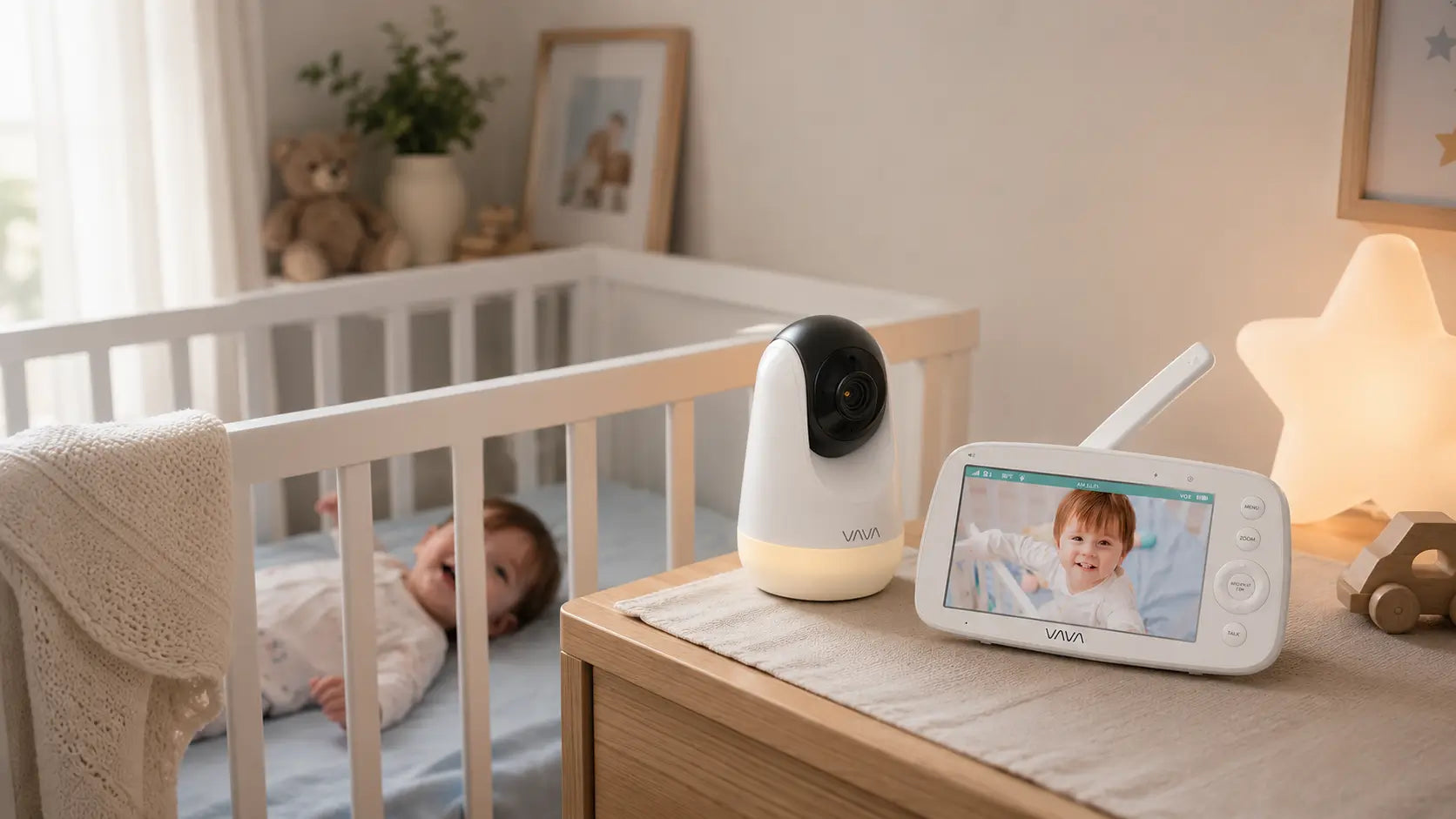
Yes, baby monitors use wireless signals. But this is not "radiation" in the scary X-ray sense.
A baby monitor is not a medical scan, and it is not a beam aimed at your baby. It uses a low-level wireless signal to send sound or video from the nursery camera to a parent unit or app.
If you searched this question because the word "radiation" made you nervous, you are not alone. The good news is that baby monitor radiation is usually much less dramatic than it sounds.
In this guide, we'll explain what baby monitor radiation really means, how Wi-Fi and non-WiFi monitors differ, how far the camera should be from the crib, and what you can do if you want a simpler, more practical baby monitor setup.

Do Baby Monitors Emit Radiation?
Yes. Wireless baby monitors emit low-level radiofrequency energy when they transmit sound, video, or data. That can apply to Wi-Fi monitors, non-WiFi video monitors, audio monitors, and other wireless nursery devices.
In everyday terms, this is the wireless communication that lets the monitor do its job. A video monitor sends the nursery view to a screen. An audio monitor sends sound.
That is why the word "radiation" can feel more alarming than the actual use case. A baby monitor is not the kind of radiation most parents picture when they hear the word.
What Kind of Radiation Do Baby Monitors Use?
Baby monitors use radiofrequency energy, often shortened to RF. RF is part of the broader electromagnetic field, or EMF, category.
You do not need to memorize those terms. The simple version is this: RF and EMF describe the wireless communication that lets a baby monitor send information between devices.
That is why the word "radiation" can be confusing. It can describe very different things. In this article, we are talking about wireless communication signals, not X-rays, medical scans, or anything similar.

Non-Ionizing Wireless Signals
Baby monitor signals are non-ionizing. That means they are lower-energy signals used for communication between devices.
For parents, the important takeaway is simple: a baby monitor is not "radiating" the crib in the scary sense. It is sending sound or video so you can see or hear what is happening in the nursery.
RF, EMF, and Baby Monitor Signals
RF and EMF are the terms you may see when reading about baby monitor radiation.
RF usually refers to the radiofrequency signal used to transmit information wirelessly. EMF is the broader term for electromagnetic fields.
For this topic, you can think of both terms as describing the invisible signal that helps a wireless monitor work. The practical setup questions matter more than the terminology: where the camera sits, how far it is from the crib, and whether the monitor gives you a clear nursery view.
Should Parents Worry About Baby Monitor Radiation?
For most families, baby monitor radiation is not something to panic about. Public health agencies discuss low-level radiofrequency signals very differently from X-rays or medical radiation.
The reassuring point is this: a properly used baby monitor is a normal wireless nursery device, not a medical radiation source. Parents do not need to turn the nursery into a science lab or remove every wireless device from the home.
What does matter is reasonable setup. Place the camera where it can show the crib clearly, keep it a sensible distance from your baby, route cords safely, and turn the monitor off when you do not need it.
That approach gives you the benefit of a monitor without making the setup feel scary or complicated.
How Far Should a Baby Monitor Be From the Crib?
A baby monitor does not need to sit right beside your baby to work well. In most nurseries, placing the camera a few feet away from the crib is the better choice.
That distance usually gives you a clearer crib view and makes cord placement easier to manage.
A Few Feet Away Is Usually Better
A common practical target is about 3 to 5 feet away from the crib when your nursery layout allows it. This is far enough to keep the device out of the sleep space, but close enough for most video monitors to show the crib clearly.
If your monitor uses a wall mount, shelf, or bracket, test the angle before bedtime. You should be able to see your baby's sleep area clearly without placing the camera inside the crib or on the mattress.
Distance Also Helps With the Viewing Angle
Parents often think closer means better, but that is not always true with a baby monitor. A camera placed too close may show only part of the crib.
A little distance can give you a wider, more useful view. You can see your baby's position, the crib area, and whether anything needs your attention.
Do Wi-Fi and Non-WiFi Baby Monitors Differ?
Wi-Fi and non-WiFi baby monitors can both use wireless signals. The main difference is how they send the sound or video.
A Wi-Fi baby monitor usually sends video through your home network and a mobile app. A non-WiFi baby monitor sends video directly from the camera to a dedicated parent unit.
So the question is not "which one has radiation and which one does not?" Both types use signals. The better question is which setup feels more practical for your home.
Wi-Fi Monitors Use the Home Network
A Wi-Fi monitor may make sense if you prefer managing nursery checks through your phone. Depending on the model, it may include app notifications, shared caregiver access, cloud features, or sleep reports.
The trade-off is that daily viewing depends on more digital steps: router connection, app access, account settings, phone permissions, and sometimes subscriptions.
Non-WiFi Monitors Use a Parent Unit
A non-WiFi monitor uses a direct local connection between the camera and parent unit. It does not need home internet, an app, or an online account for everyday viewing.
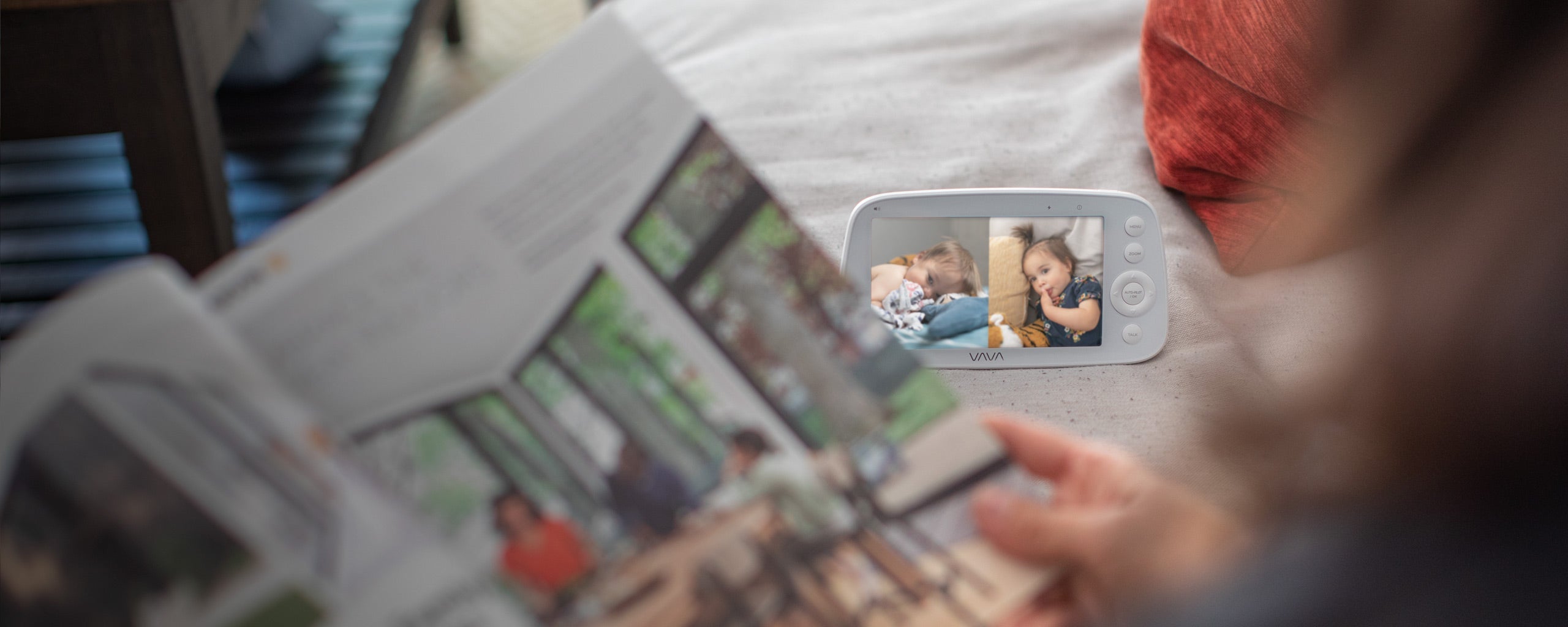
That can make quick nursery checks feel simpler. You can glance at the parent unit during naps or at night without unlocking your phone or waiting for an app to load.

Where VAVA Fits
VAVA's baby monitor lineup is built mainly around this parent-unit style of monitoring. The focus is not "zero radiation." The focus is a simpler daily setup: a private local connection, a dedicated screen, and fewer app or home-network steps.
For parents who want to see and hear the nursery without turning baby monitoring into another phone task, a VAVA non-WiFi baby monitor can be a practical fit.
What About Low-EMF or "Zero-Radiation" Baby Monitors?
Some baby monitor brands use terms like "low-EMF" or "zero-radiation." These phrases can sound reassuring, especially if you are already worried about radiation.
Before choosing a monitor based on those words alone, read what the brand actually means. In some cases, the claim may refer to a standby mode, a wired setup, a lower-power design, or a specific feature setting rather than every moment of normal use.
A more useful question is: how does the monitor work during daily nursery checks? Does it use Wi-Fi or a parent unit? Does it transmit continuously or only in certain modes? Can you place it a few feet from the crib and still get a clear view?
For most families, the better choice is a monitor that is easy to understand, easy to place safely, and reliable enough for everyday use. Clear setup and consistent daily monitoring matter more than a label that is hard to compare across brands.
How Can You Set Up a Baby Monitor More Sensibly?
A good baby monitor setup should do three things at once: show the crib clearly, keep the camera stable, and keep cords out of reach.
You do not need a complicated setup. A shelf, wall mount, or flexible bracket can work well as long as the camera has a clear angle and stays securely in place.
Choose a Clear Viewing Spot
Place the camera where it can show the crib clearly without sitting inside the sleep space. In many nurseries, that means using a shelf, wall mount, or bracket a few feet from the crib.
Before using the monitor overnight, check the view on the parent unit or app. Make sure you can see the area you care about most, not just one corner of the crib.
Use a Stable Mount or Bracket
A stable mount helps keep the camera angle consistent. It also reduces the need to move the camera around every night.
VAVA Baby Monitor Bracket is designed for flexible placement, including shelves, cribs, and other nursery spots. It can be bent and angled so parents can adjust the camera view more easily.
If you use a bracket, follow the product instructions and check that the camera is secure before relying on it overnight.

Keep Cords Away From the Crib
Keep all cords away from the crib, mattress, changing table, and anywhere your baby may reach. Do not let cords hang near the sleep space.
This part matters no matter which monitor you choose. A clear view is useful, but safe cord routing comes first.
Turn the Monitor Off When You Do Not Need It
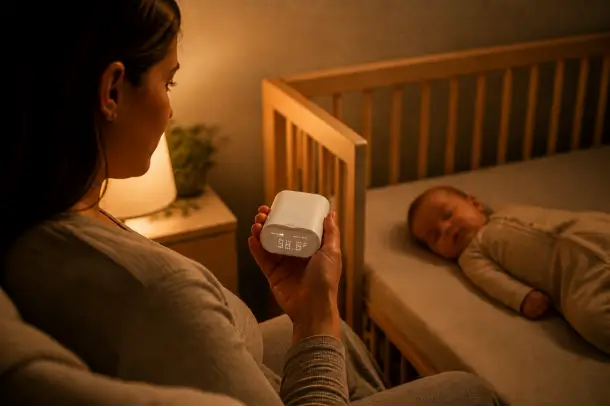
If your baby is not in the room, the monitor does not need to stay on.
Turning it off when it is not needed is a simple habit. It can also save battery life and reduce unnecessary screen time for parents.
Why a VAVA Non-WiFi Parent-Unit Monitor Can Be a Practical Choice
If radiation is your main concern, it is easy to get pulled into technical labels. But for daily nursery monitoring, the setup experience also matters.
VAVA's non-WiFi baby monitors are built around a dedicated parent unit instead of an app-first routine. That gives parents a simpler way to check the nursery during naps, nighttime checks, and everyday routines.
With VAVA, parents can get:
- A dedicated screen for nursery checks, so your phone does not have to become the baby monitor.
- Private local viewing between the camera and parent unit, without app or account setup for everyday use.
- Clear video options, from simple 720P viewing to larger 1080P screens.
- Portable parent-unit use during naps, evening routines, and overnight checks.
- Longer battery life on supported models, so the screen is not tied to one outlet.
- Split-screen or multi-camera options for two rooms, two children, or multiple viewing angles.
- Flexible placement with the VAVA Baby Monitor Bracket, which can help adjust the camera angle while keeping cords safely routed.
Instead of focusing on technical labels, VAVA keeps the everyday experience simple: a dedicated screen, private local viewing, clear video, portable use, longer battery life, and options for families who need more than one view.

Conclusion
Baby monitors do emit low-level wireless signals, but that does not mean parents need to panic. This is not the kind of radiation people usually associate with X-rays or medical scans.
For everyday use, the most helpful steps are simple: place the camera a few feet from the crib, keep cords safely out of reach, and choose a monitor setup that feels easy to use every day.
If you prefer a dedicated screen, private local viewing, and fewer app or account steps, a VAVA non-WiFi baby monitor can be a practical option for daily nursery checks. If you are still comparing options, see our related guides on baby monitor features and the best baby monitor for different family needs.
FAQs
1. Are baby monitors safe to leave on all night?
Yes, many parents leave a baby monitor on overnight. If you do this, choose a monitor with comfortable volume, adjustable screen brightness, and enough battery life for your normal routine.
If the nursery is empty, turn the monitor off. That is usually the simplest habit.
2. Is an audio baby monitor safer than a video baby monitor?
An audio monitor sends sound only, while a video monitor sends sound and picture. That does not automatically make one the "safe" choice for every family.
If you only need to hear crying or movement, audio may be enough. If you want to see your baby's position, crib area, or nighttime movement, a video monitor is usually more useful.
3. Does turning off the screen stop the baby monitor signal?
Not always. On some monitors, turning off the screen only turns off the display. The camera or audio connection may still be active.
If this matters to you, check how the exact model handles screen-off mode, sleep mode, VOX, or Eco Mode.
4. Are baby monitors safe for newborns?
Yes, baby monitors can be used for newborns when they are set up properly. Keep the camera outside the crib, keep cords out of reach, and place the monitor where it gives you a clear view without crowding the sleep space.
For newborn care, a monitor is most useful as a way to see and hear the nursery while your baby sleeps in another room.
5. Should I turn off the baby monitor when I am not using it?
Yes. If your baby is not in the room, or you do not need to monitor the nursery, turning it off is a simple habit.
It can save battery life, reduce unnecessary screen time, and keep the monitor from running when it is not needed.
6. What should I check if I am still worried about baby monitor radiation?
Start with the things you can control: place the camera a few feet from the crib, keep cords out of reach, avoid putting the monitor inside the crib, and choose a setup you understand.
If you prefer fewer app, account, and home-network steps, a non-WiFi parent-unit monitor like VAVA may feel simpler for everyday nursery checks.
Share: